

For a reliable CBT depression PDF, start with an established health-service resource and choose a guide that explains how to use its exercises. Download a copy, check that it opens and saves correctly, and begin with one manageable section. A workbook can support learning and practice, but it cannot diagnose depression or replace care when symptoms are severe or safety is at risk.
- Need a starting resource? Use the provider links in the comparison below.
- Already have a PDF? Run the TEST save-and-reopen check before typing personal answers.
- Too much to take in? Start with one section or ask for a supported, accessible version.
CBT means cognitive behavioural therapy, also spelled cognitive behavioral therapy. Its materials help explain relationships between thoughts, feelings, and behaviour, but the PDF is only a format for presenting those ideas. What changes the experience is the structure, the instructions, and any support that accompanies it.
For adults with less severe depression, NICE guidance on guided self-help includes structured printed or digital material with support from a trained practitioner. Downloading an unrelated workbook by yourself is not the same treatment package. The appropriate level of care depends on your situation and preferences, not the number of pages you complete.
Where can you find a suitable CBT depression PDF?
The resources below provide identifiable starting points for different reading needs. Use the original provider page so you can see the context and available versions. Free access to a document does not mean access to that organisation’s clinical service or permission to republish its materials.
| Resource | Official starting page | Why open it? | Check first |
|---|---|---|---|
| CCI: Back from the Bluez | CCI depression resources | A sequence of modules, with separate information sheets and worksheets. | Read the introduction; do not assume every PDF has interactive fields. |
| CNWL: Behaviour and Low Mood | CNWL self-help workbooks | Its service workbook section offers downloadable materials designed for typing and saving. | Find Behaviour and Low Mood, then test it in your own reader. |
| NHS inform: Depression self-help guide | NHS inform depression guide | A CBT-based online guide with a PDF download option. | Use the current landing page; choose the accessible format that works for you. |
Check the original provider before downloading
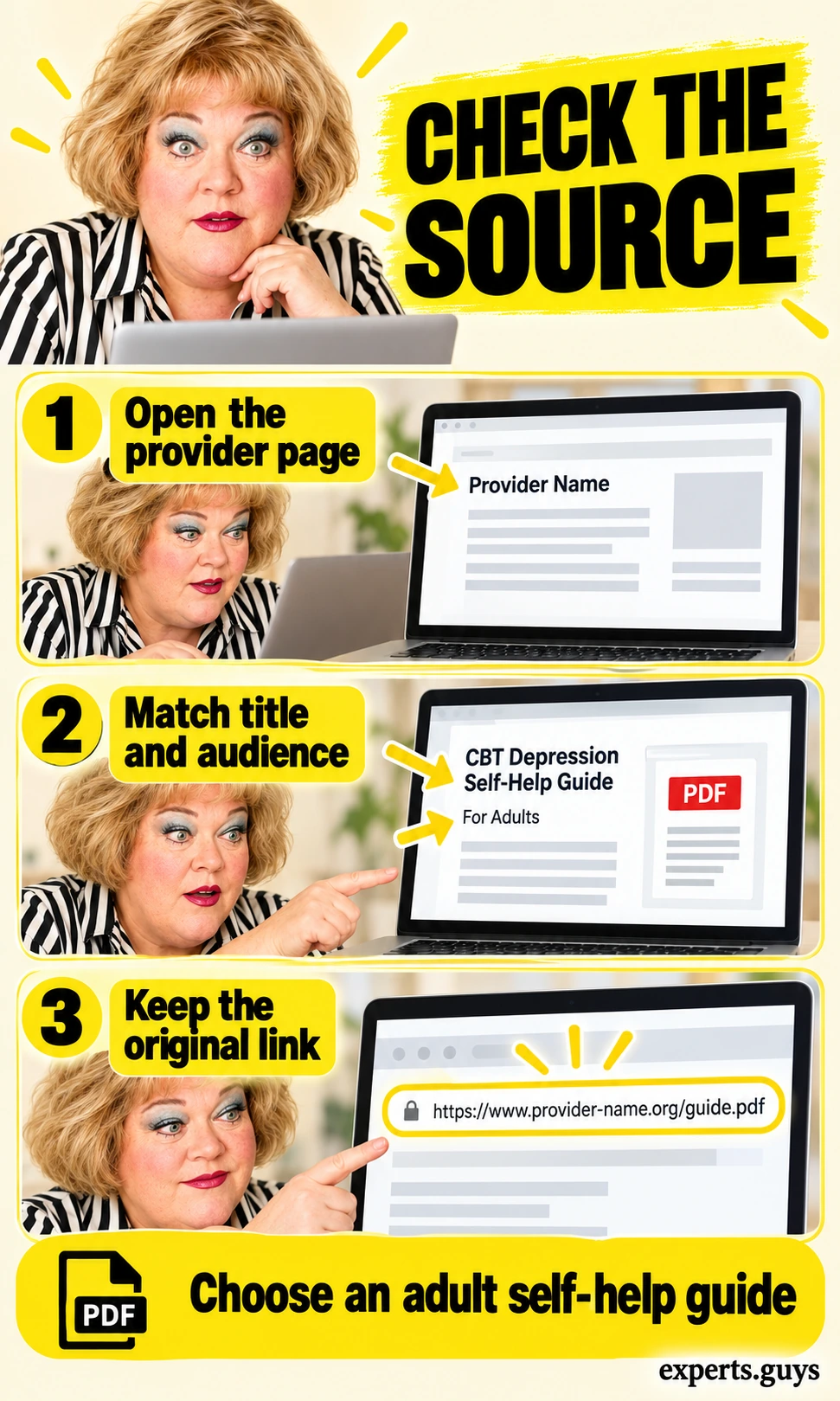
Start on the organisation’s resource page, then open its PDF from there. Match the document title and intended audience to the page you came from. A search result labelled “PDF” can lead to a research paper, a clinician manual, or a worksheet without instructions; none is automatically a beginner self-help guide.
- Open the provider page and look for its name, document title, intended audience, and any revision information.
- Confirm that the guide addresses depression or low mood and includes directions for readers. Adult materials may be unsuitable for children without appropriate support.
- Keep the original page bookmarked so you can retrieve the current file if an old download link breaks.
Example: A document titled “Overview of Depression” linked from a health-service workbook page has a clear role. A repost called “instant cure workbook” with no author or source does not give you the same basis for trust. Check the source rather than using the file’s professional-looking design as proof.
Lower-effort option: Use one of the provider pages below instead of searching through dozens of files. The checkpoint is an identifiable source and suitable audience, not a recent-looking date. An older resource is not automatically wrong, but changing advice needs a current check.
Choose a guide, workbook, or worksheet for the right job
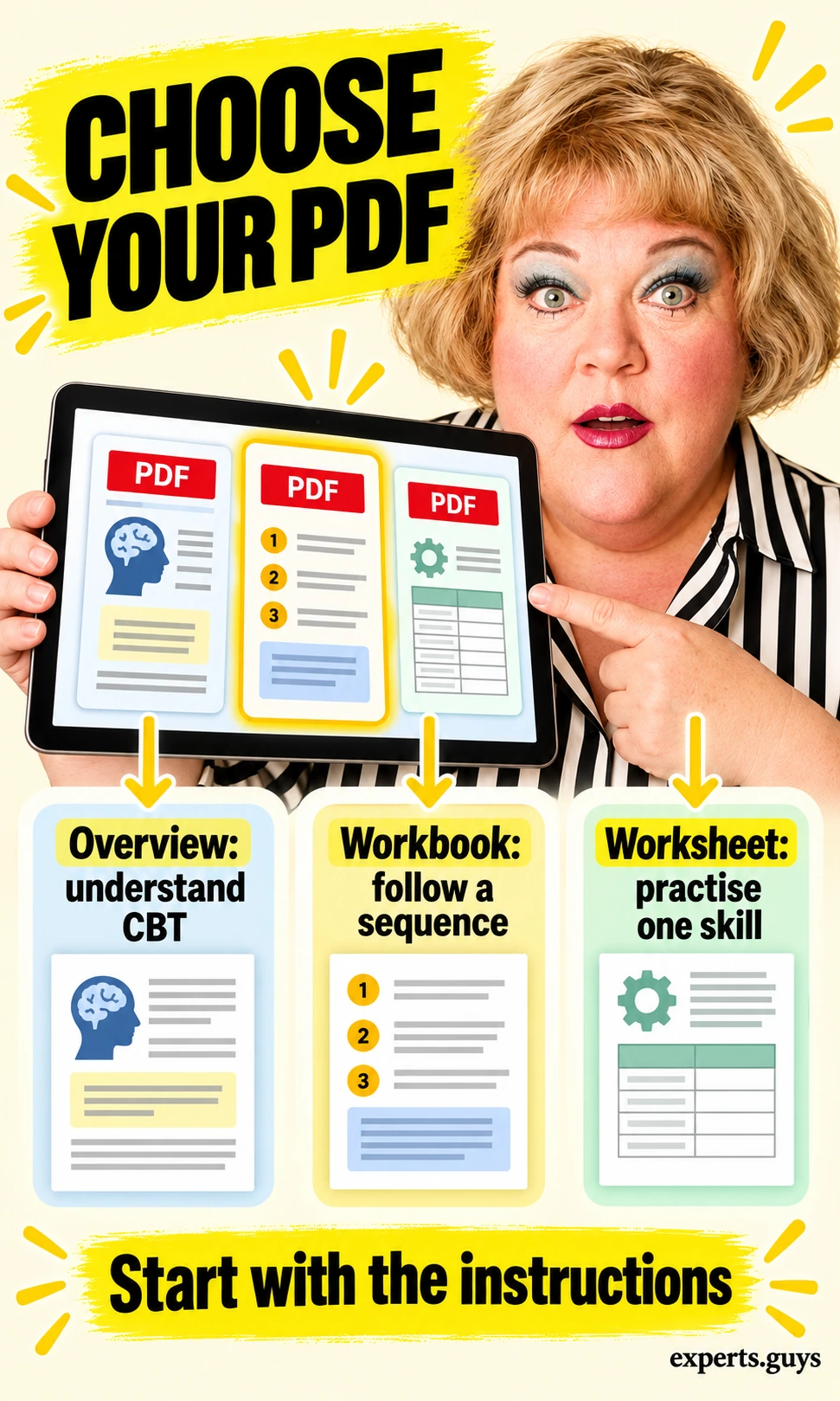
Choose the document by what you need to do next. An overview explains ideas, a workbook supplies a sequence, and a worksheet supports a particular practice. Downloading all three at once can leave you with more material but less clarity about where to begin.
- If CBT is unfamiliar, open the introduction or overview before a standalone exercise.
- If you want a structured course, use a workbook and read its sequence instructions. If a therapist has assigned a page, use that page and their guidance.
- If you already understand a skill and only need its prompts, choose the matching worksheet; keep its instructions available.
Example: Someone seeking an explanation of CBT can start with an introduction, while someone assigned a particular worksheet can go directly to that resource. The file length does not determine whether either choice is appropriate. Do not select a complex exercise simply because it looks more comprehensive.
Smaller start: Read the contents page and choose only the opening section. Stop collecting files once you have one suitable starting point. Our depression CBT worksheets and handouts page owns the separate question of worksheet use.
The depression CCI article covers that specific resource family in more depth. Here, the decision is which document format you can actually open, understand, and use. Choosing one usable source is enough to move to the digital setup checks.
How can you use a CBT PDF digitally without losing your answers?
Run a harmless save-and-reopen test
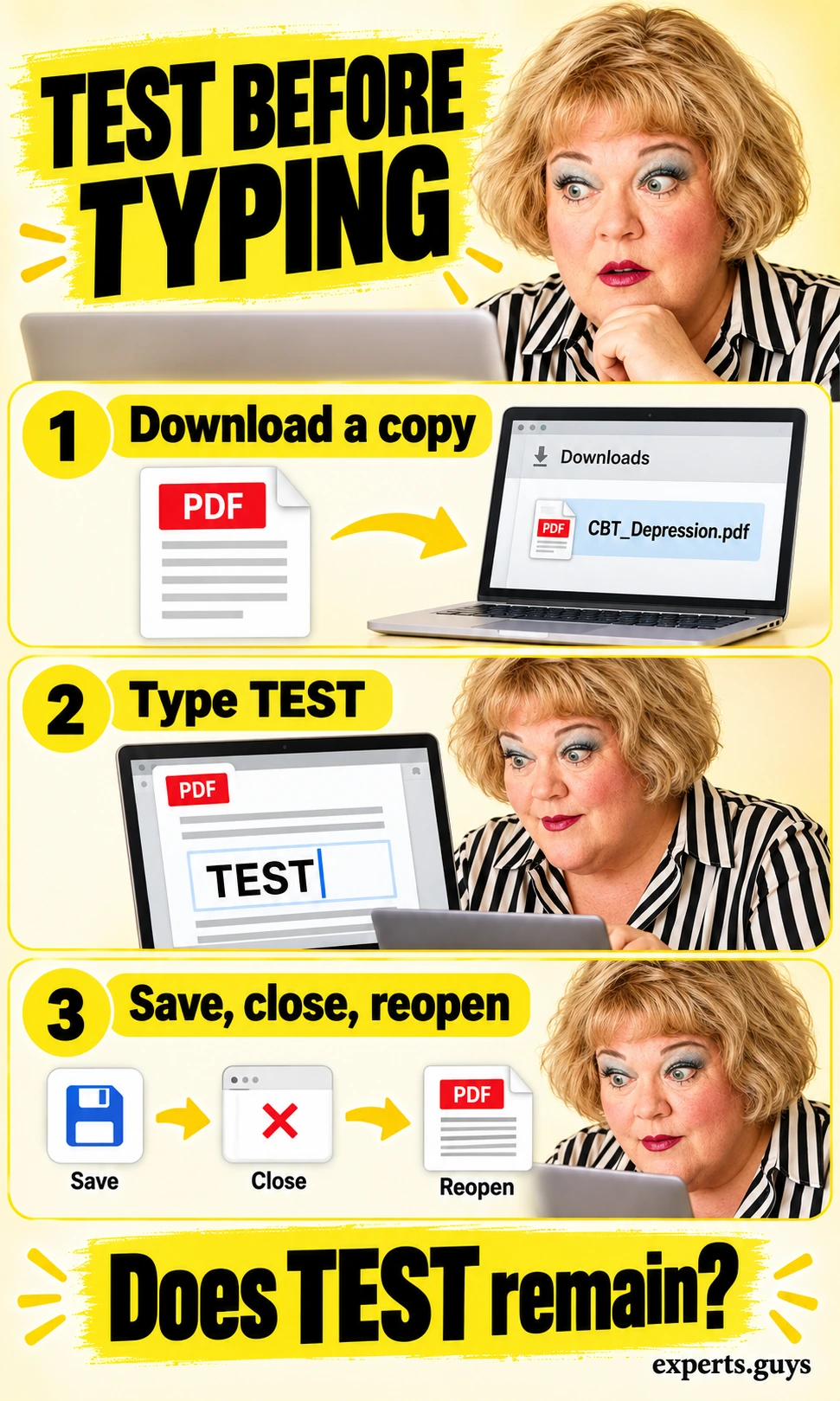
Before entering personal information, test the file with the word TEST. A PDF can look like a form without containing fillable fields, and a browser preview may behave differently from a downloaded copy. Checking a harmless entry first prevents the frustration of discovering that a full response was never saved.
- Download the PDF from its provider and open a copy in a trusted PDF reader. Keep the original blank file unchanged.
- Click a field and type TEST. If no field accepts text, try the reader’s text-annotation or form-filling feature if the file permits it.
- Save the copy, close it, and reopen that exact saved file. Check that TEST remains visible before removing it and entering real responses.
Example: Save “practice-copy.pdf” in a folder you can find again, reopen it from that folder, and check the test field. Looking at the still-open editing window is not a save check. If the entry disappears, resolve the app or file problem before continuing.
If it is awkward: Use a desktop screen or an accessible version supplied by the provider. Adobe’s form guidance distinguishes interactive fields from flat forms that need a text overlay. A visible overlay is useful for personal reading, but it does not create an interactive field.
Adjust the reading view before changing the content
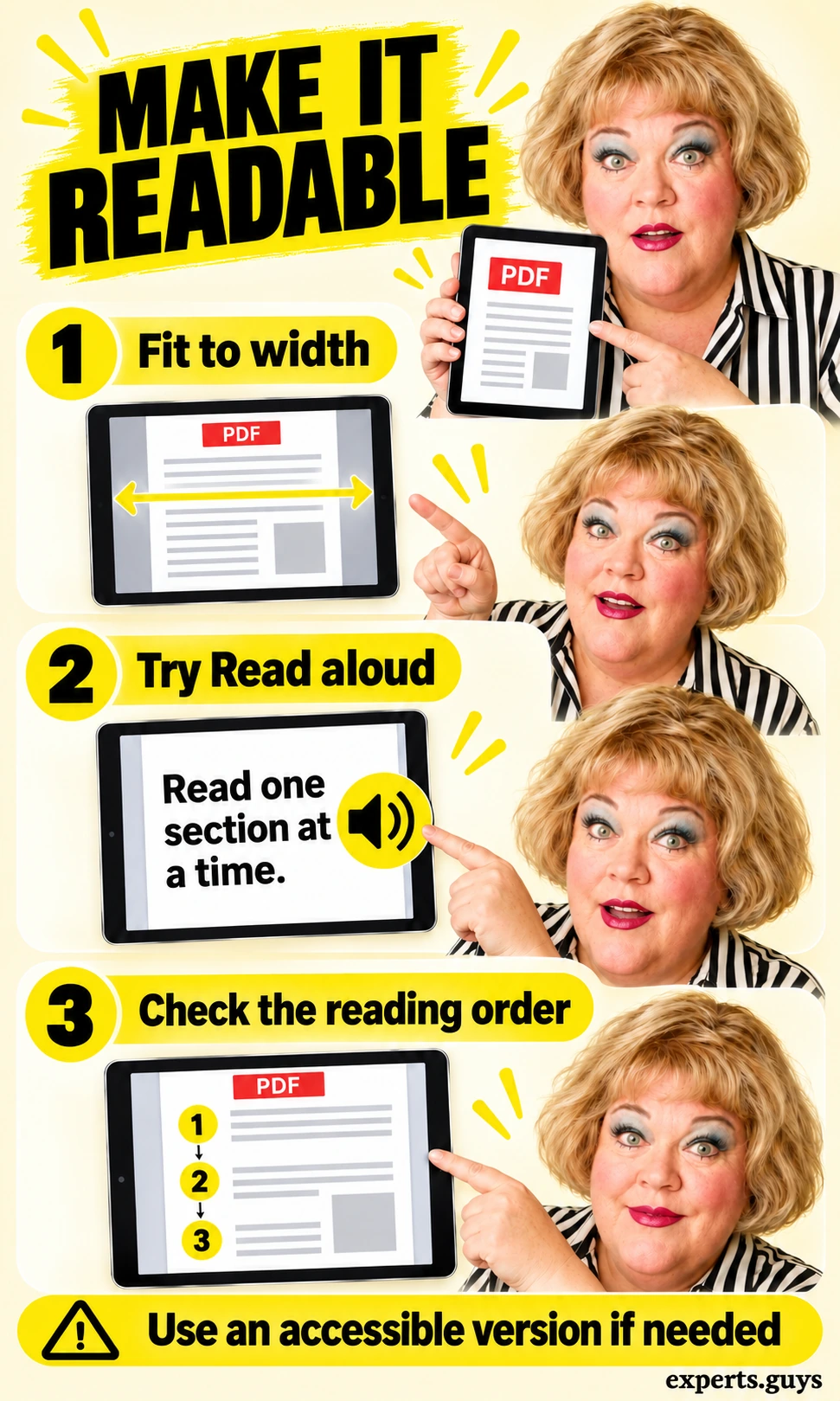
Try a wider reading view or spoken text when the page is hard to follow. Magnifying a fixed PDF page can make the letters bigger while forcing sideways scrolling. The aim is to make the instructions understandable without accidentally skipping a column or a warning.
- Use Fit to width, rotate the device, or open the file on a larger screen; choose the view that lets you follow one paragraph comfortably.
- If supported, try Read aloud and listen to one short paragraph while following the text. Check that headings and columns are read in the intended order.
- If text cannot be selected or spoken sensibly, look for the provider’s HTML, audio, or accessible alternative rather than struggling through the same layout.
Example: On a two-column page, a reader may jump between columns in the wrong order. Compare the spoken sentence with the visible paragraph before relying on it. Scanned pages and inaccessible reading order can defeat otherwise useful accessibility features.
Easier option: Ask someone you trust to help open the accessible version, without sharing your private responses. Microsoft’s PDF reader documentation describes zoom, navigation, basic forms, and read-aloud support, with format limitations. Features vary by device and app; an absent button is not evidence that you did something wrong.
How do you make the PDF manageable and keep responses private?
Choose the storage location before entering personal details
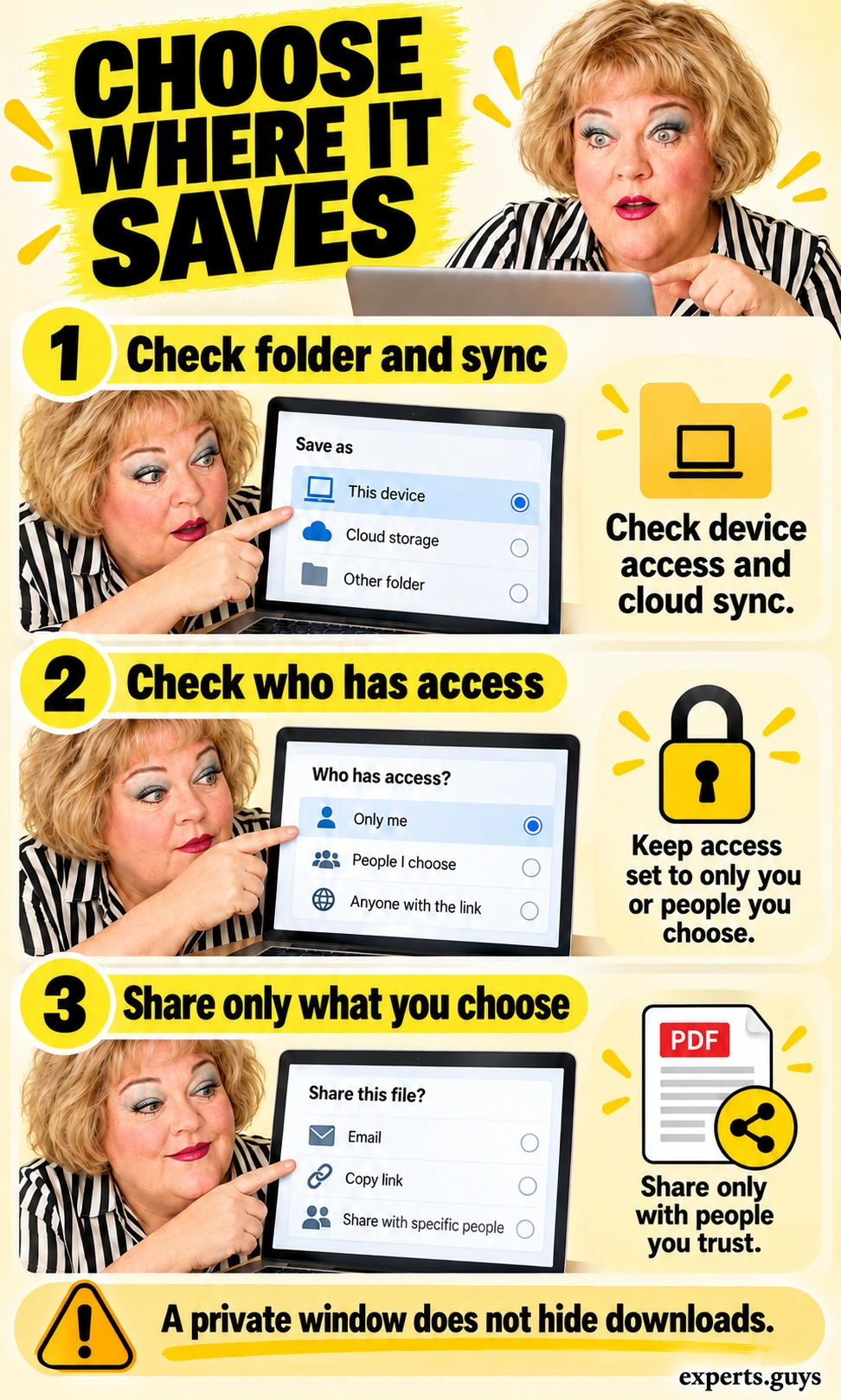
Decide where the completed file will live before you type into it. A folder that looks local may be synchronised, and a shared computer may expose downloads or recent-file lists to other people. “Saved on my device” and “only accessible to me” are different claims.
- Check the save destination, account, and sync status. On a shared or managed device, check the access arrangements before entering sensitive material.
- Choose a location and device account whose access you understand, and use the device lock. Avoid unnecessary names and identifying details in examples.
- Before sharing, inspect the actual file, recipient, and access setting. Use your provider’s approved route for clinical material rather than a public sharing link.
Example: A work laptop may sync Documents to an organisation account even when the file was downloaded at home. A neutral filename can reduce casual disclosure but does not protect the contents. Private browsing does not make a downloaded PDF private.
If unsure: Read the blank resource without adding personal responses until you have a suitable storage arrangement. Do not upload completed pages to an unfamiliar converter merely to make them editable. The checkpoint is knowing who can access the saved copy, not just seeing a lock symbol.
Use one section and leave a clear return point
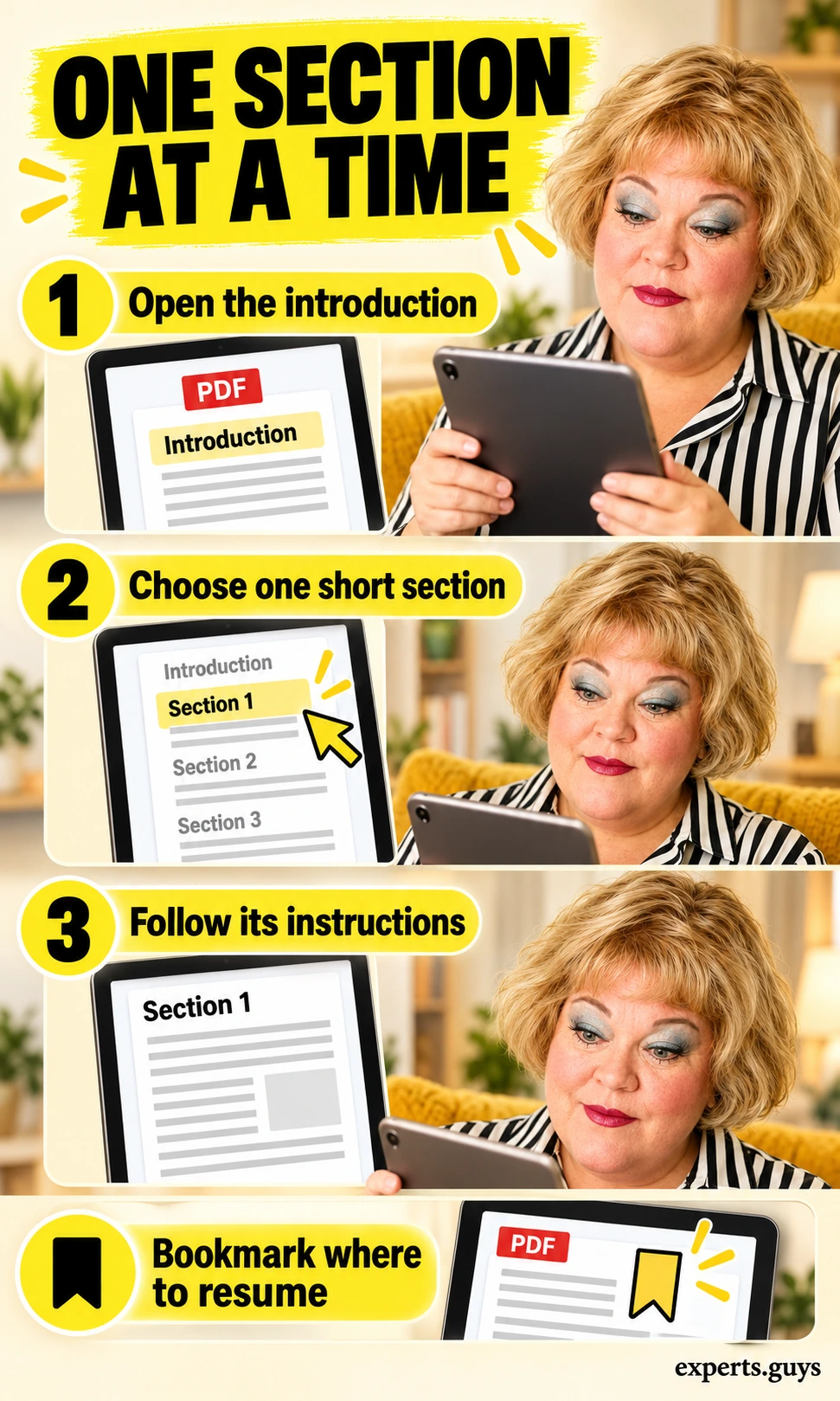
Start with one manageable section and follow its instructions, rather than treating the workbook as a reading target. The one-section approach is a practical access adaptation, not a clinically validated dose of CBT. Understanding and practising the material matter more than finishing a certain number of pages.
- Open the introduction or the page agreed with your therapist. Read the purpose and any cautions before the task itself.
- Choose a short section you can understand today. Follow its instructions; do not replace its meaning with a demand to “think positively” or complete every box.
- Use a bookmark or a short digital return cue such as “resume at section 2.” If the instructions remain confusing or distressing, pause and ask for clarification.
Example: Your immediate task might be to understand what a worksheet is asking before you attempt it. Completion can mean opening the right page and identifying the first instruction. It does not require an immediate mood improvement, and an unfinished page is not a measure of effort or character.
Lower-effort option: Read only the introductory paragraph, or discuss it with a support person. For the separate clinical skills themselves, use the relevant instructions and our CBT techniques and worksheets guide. This page focuses on access and use, rather than repeating those exercises.
What should you do when the file or self-help approach is not working?
Identify whether the barrier is the file, the reader, or the instructions
Fix a technical barrier before deciding that the material is unsuitable. A non-fillable page, a failed download, and unclear clinical instructions need different responses. Repeatedly trying the same button is unlikely to resolve all three.
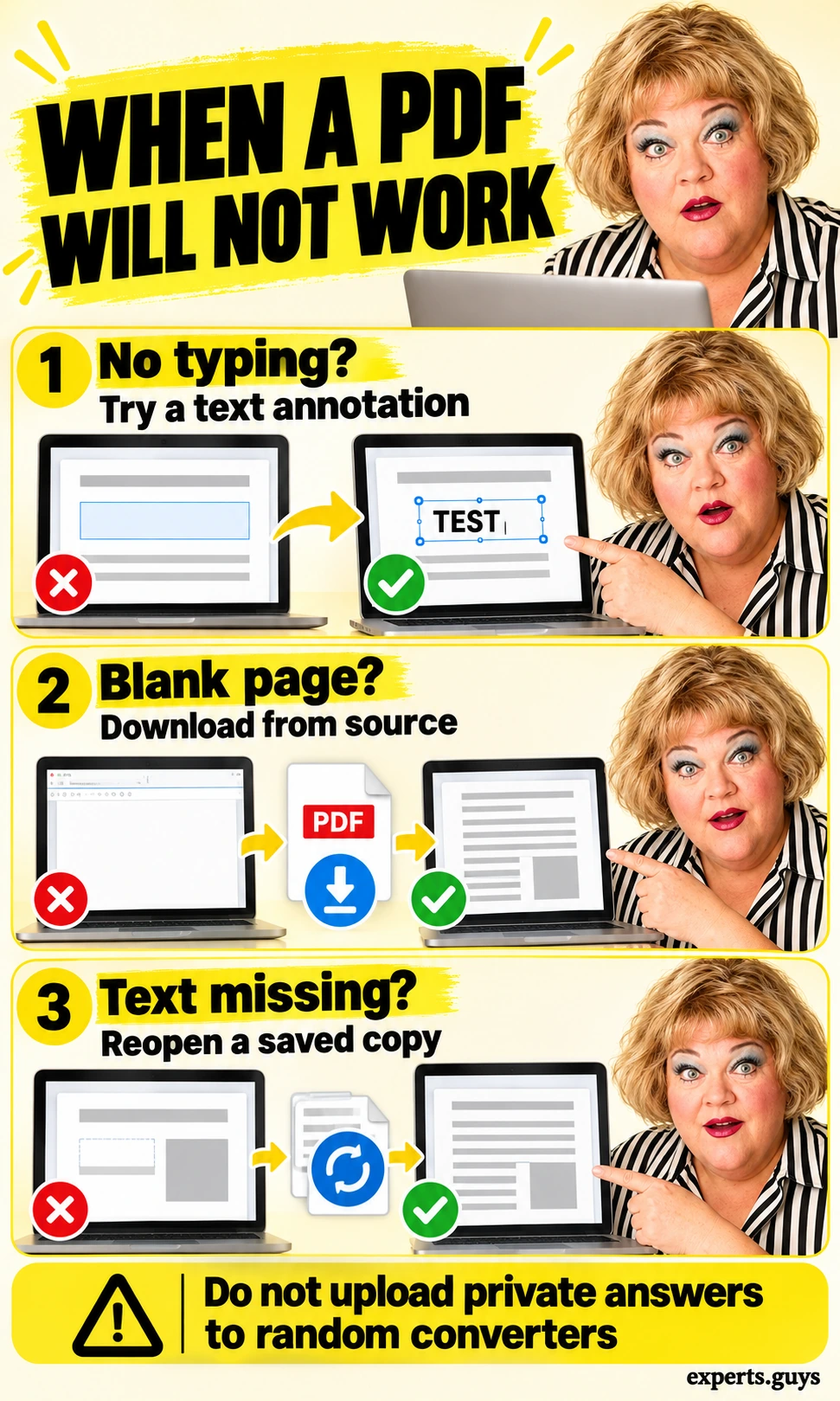
- If typing fails, check whether the file has fields; try a permitted text annotation or an officially supplied fillable version.
- If the page is blank or will not open, return to the original provider page, download again, and try an updated trusted reader. Do not disable security protections to force a file to open.
- If text vanishes, repeat the save-and-reopen test on a harmless entry. If the instructions themselves are confusing, take that question to the provider or therapist instead of converting the file repeatedly.
Example: A PDF opens normally but clicking the answer area does nothing. That suggests a field or reader issue, not that you cannot do CBT. If another reader displays the page but still cannot save entries, use the provider’s accessible alternative or ask for help with the format.
Keep the task small: Make one controlled change, such as switching from the browser preview to a downloaded copy, then test again. Avoid removing document protection or modifying clinical instructions. A working file is the technical completion point; it does not establish treatment suitability.
Bring the specific blocker to an appropriate professional
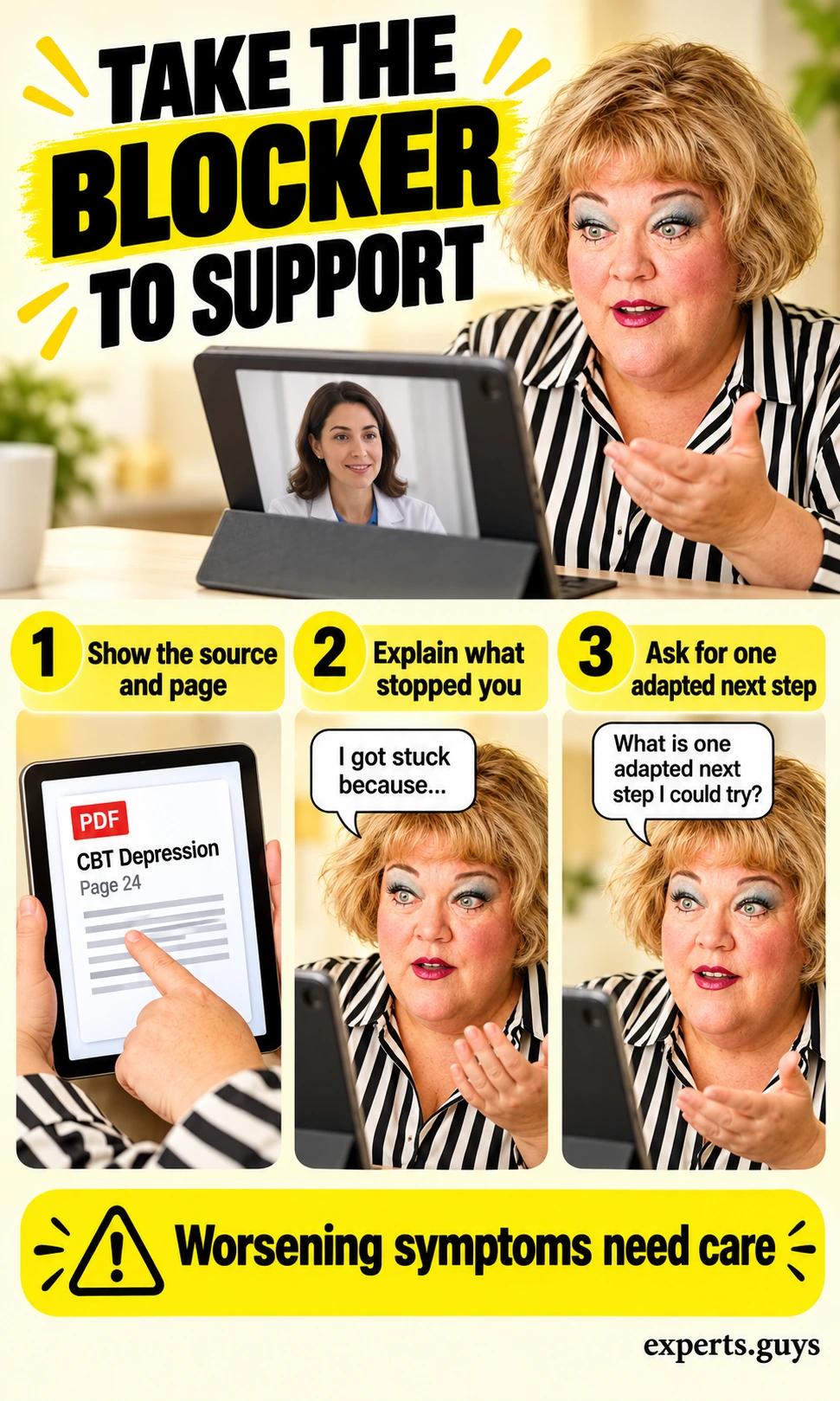
Ask for support with the exact point that stopped you, rather than arriving with a folder of unfinished downloads. A therapist or other appropriate mental-health professional can help decide whether the material fits your needs and how to adapt its use. The PDF alone cannot assess the full clinical picture.
- Have the provider name, document title, and section or page ready on your device. Sharing the blank source may be enough to explain the question.
- Describe the blocker in ordinary language: “I cannot understand this prompt,” “I become more distressed,” or “I cannot manage daily activities.” You do not need to complete every worksheet first.
- Ask what to do next, whether a different format or guided approach would fit, and when to review progress. If sharing responses is useful, use the agreed secure route.
Example question: “I can open the workbook, but I keep getting stuck at this section. Can we work through the instruction together and agree on one smaller next step?” This turns a vague feeling of failure into a specific support request. An accessible format and clinical guidance solve different problems, so name both when relevant.
Act sooner when needed: Persistent, worsening, or disabling symptoms deserve professional assessment; you do not have to finish a workbook before asking. If you cannot stay safe, seek urgent local help immediately. Our types of psychotherapy for depression article provides context for discussing care options, rather than choosing treatment from a PDF alone.
Keep a digital starting point
The optional fillable digital start card keeps the source, return point, and one question together. Download it and use the same harmless save test before entering details. It is an access aid with no symptom score, diagnosis, or treatment recommendation; you can leave any field blank.
If low mood or loss of interest persists, worsens, or interferes with everyday life, arrange an assessment. The NIMH guide to depression explains symptoms and treatment options; a workbook cannot rule out conditions needing different care. Do not use a PDF to start, stop, or change prescribed medication.
Questions about CBT depression PDFs
Do I have to print the workbook?
No. You can read it digitally, type into supported fields, or use a permitted text annotation. Test saving first, and use the provider’s accessible alternative if the format is difficult.
Does a password-protected PDF guarantee privacy?
No single setting guarantees privacy. Device access, cloud synchronisation, sharing permissions, and the handling of the password also matter. A completed file should be shared only through a route you understand and intend to use.
Can I send the whole workbook to a friend?
Share the official provider link unless its licence clearly permits redistribution. Your completed answers are separate private material; check the file before sending anything.
Is the start card a CBT worksheet or a depression test?
Neither. It is a place to keep a resource link, a reading return point, and a practical question. It does not assess symptoms or tell you which treatment to choose.
Your next action
- Choose one official resource that fits your immediate need.
- Check that you can read, save, and reopen it before adding personal answers.
- Use one section, keep a return point, and ask for support when the obstacle is understanding, distress, or daily functioning.