
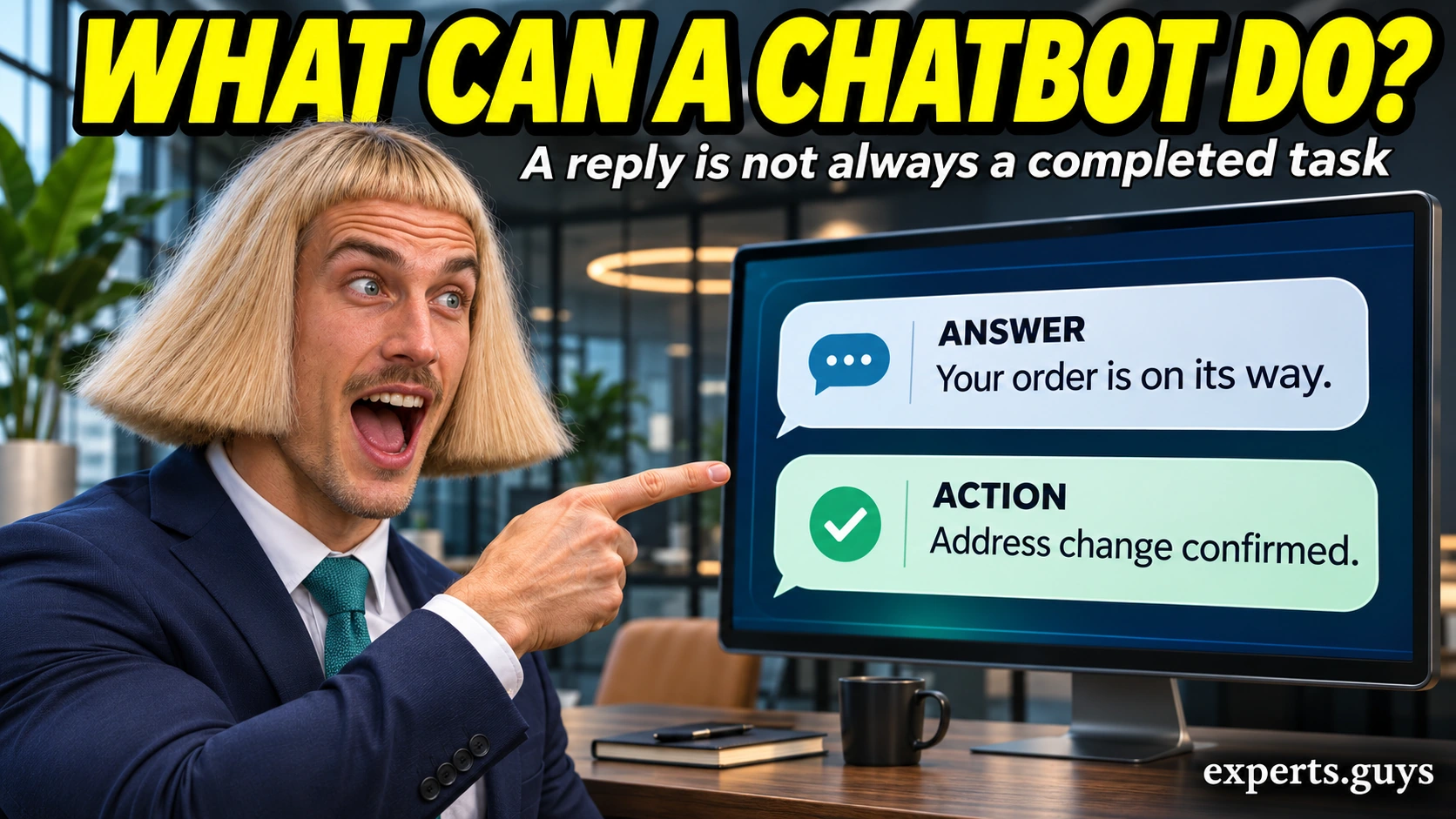
A chatbot is software that exchanges messages with people, such as a shop assistant that answers “Where is my order?” or an AI assistant that explains a document. Examples range from simple menu-driven bots to systems that generate replies or connect to business records, so a helpful answer does not necessarily mean a task has been completed.
Which everyday examples count as chatbots?
The easiest example is a delivery conversation. You ask a store about an order, the assistant requests a secure sign-in, and it returns the delivery status. The conversational interface is the chatbot; the order system supplies the account-specific information. Without that connection, the same chat window might only explain where to find tracking details.
Named products show the range. Claude is a general-purpose conversational assistant; IKEA offers its Billie virtual assistant for customer support; Bank of America provides Erica inside its mobile banking service. These are examples, not a ranking or a promise that every feature is available to every customer. The table separates what the reader sees from what must exist behind it.
| Example | What the conversation does | What makes the answer useful |
|---|---|---|
| Store delivery bot | Returns an order status after an authorized lookup. | A current record for the correct order. |
| Claude | Explains, drafts or summarizes material in conversation. | Relevant input and a check of important claims. |
| IKEA Billie | Provides a conversational route into customer support. | The correct market and supported service path. |
| Bank of America Erica | Helps eligible customers use supported banking functions. | Authenticated access and the specific available feature. |
| Appointment bot | Collects a preferred time and may book a slot. | A booking-system confirmation, not just a suggested time. |
What does a simple chatbot conversation look like?
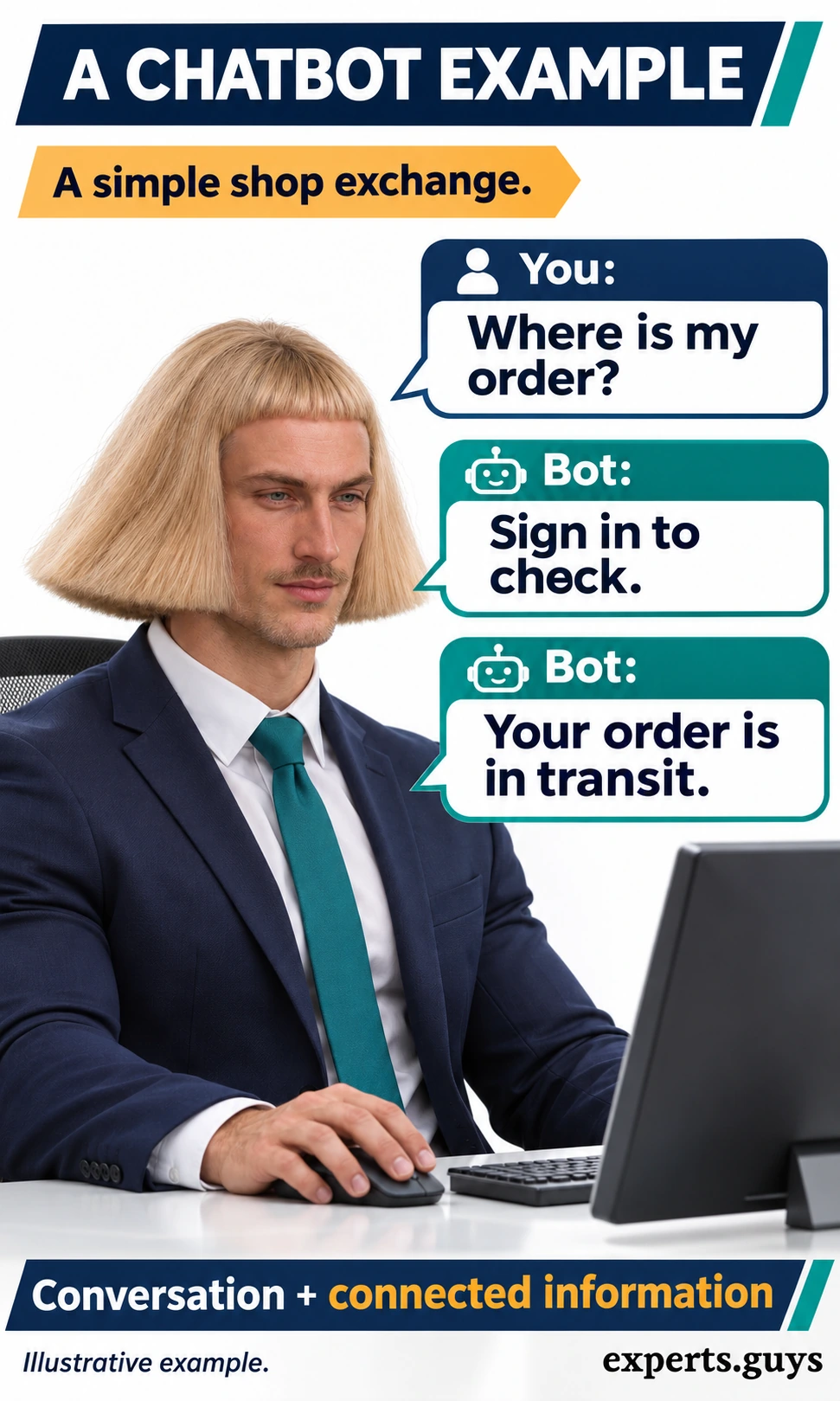
Consider this illustrative shop exchange: “Where is my order?” The bot replies, “Sign in to check your order.” After the store verifies access, the bot says, “Your order is in transit.” The exchange contains a request, a boundary and an answer. The boundary matters: a public chatbot should not reveal private order details merely because somebody supplies a name.
A different bot might answer, “Open your account and select Orders.” That is still a chatbot response, but it gives instructions rather than retrieving the record itself. Neither response is inherently more advanced or more useful in every setting. The right distinction is whether the service has supplied the information you actually need.
These examples are deliberately ordinary. A welcome bubble alone does not demonstrate a conversational service, and a chat widget may connect you to a human. Look for the service’s bot disclosure or support description instead of judging by response speed, emojis or a typing indicator. A person and a bot can share the same interface during a handoff.
Does every chatbot use generative AI?
No. A menu-driven chatbot can follow predefined branches, while an intent-based system can interpret wording and choose from approved responses. A generative chatbot can compose new text. These approaches can also be combined: flexible language interpretation at the front, followed by a fixed process for an account action. A conversational surface tells you little about the underlying design.
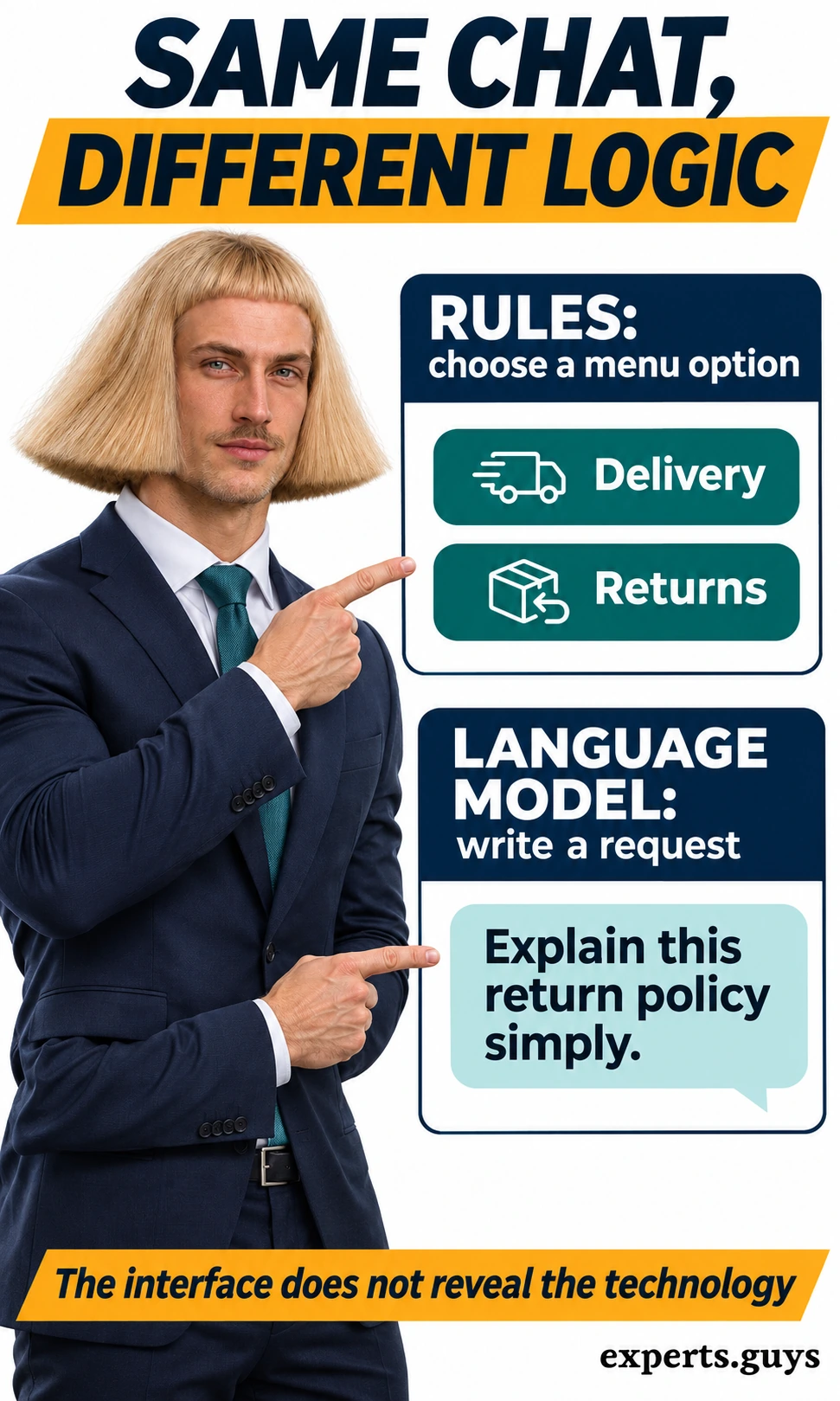
For example, a menu bot might offer Delivery and Returns buttons. A language-model assistant might accept “Explain this return policy simply.” The second interface allows freer wording, but freedom of expression does not establish accuracy, access to current policy or permission to approve a return. A reliable fixed answer can be more appropriate than an elaborate generated one.
Erica illustrates an important middle case. Its official service description states that it uses AI to interpret intent and select from predefined answers, rather than generative AI or large language models. Do not use the word AI as a shortcut for “writes every answer from scratch.” Eligibility and available functions also vary.
The same caution applies to labels such as assistant, virtual agent and bot. Vendors use them differently, and capabilities can overlap. For the broader technical distinction, see how automation differs from artificial intelligence. Here, the useful question is narrower: what does this particular exchange show the software doing?
- Menu or rule flow: the next step follows a defined option, condition or recognized input.
- Intent classification: the system interprets the request and routes it to a suitable response or workflow.
- Generated response: a model composes wording from the available context; it can still make mistakes.
- Hybrid conversation: different turns can use different mechanisms, so one screenshot cannot prove the complete architecture.
Where does a chatbot get its answer?
A useful way to read an example is to identify the information source separately from the writing style. A reply may come from a script, a retrieved document, a live account record or a model’s generated output. These categories can overlap: a model might explain a record that another component retrieved. What matters is whether the source supports the specific claim.
| Answer source | Illustrative reply | What it does not establish |
|---|---|---|
| Approved script | “Our help desk opens at nine.” | That the script reflects a holiday schedule. |
| Retrieved policy | “Unused items may qualify for return.” | That every item or customer is eligible. |
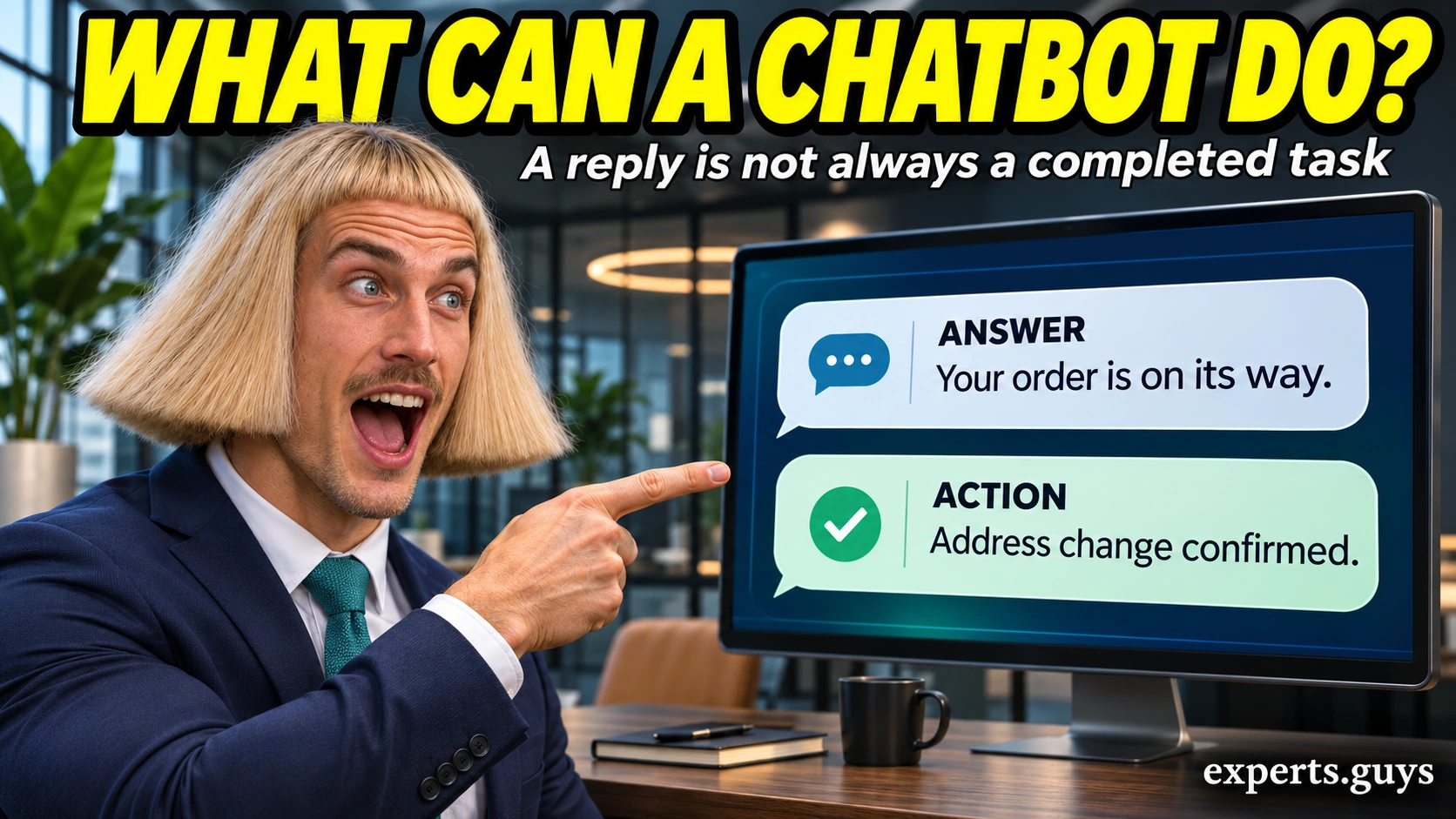
| Live record | “Your parcel is in transit.” | That an address change has been accepted. |
| Generated explanation | “Here is a simpler version of that paragraph.” | That the model has independently verified the paragraph. |
Retrieval-augmented generation, often shortened to RAG, supplies retrieved information to a language model so it can answer using relevant material. That helps connect an answer to a source, but it does not make every conclusion correct. Microsoft’s explanation of retrieval and grounding explicitly retains the possibility of inaccurate output even when retrieved content is available.
A live lookup has another limitation: its usefulness depends on the correct account, record and refresh state. “In transit” might be the latest carrier event available, not a continuous view of the vehicle. If an answer does not show the underlying update time, avoid treating a precise-sounding sentence as proof of real-time tracking. Ask for the relevant record or open the service’s own status page.

How can you read an example without being misled?
Use one low-stakes fictional conversation and inspect what changes between turns. The aim is to understand the exchange, not to certify a vendor or prove that a model is safe. The checks below each answer a different question: whether a correction was followed, whether a claim is supported, and whether an action actually happened. No notebook, tracking app or private account details are needed for the fictional examples.
Check whether a correction changes the next reply
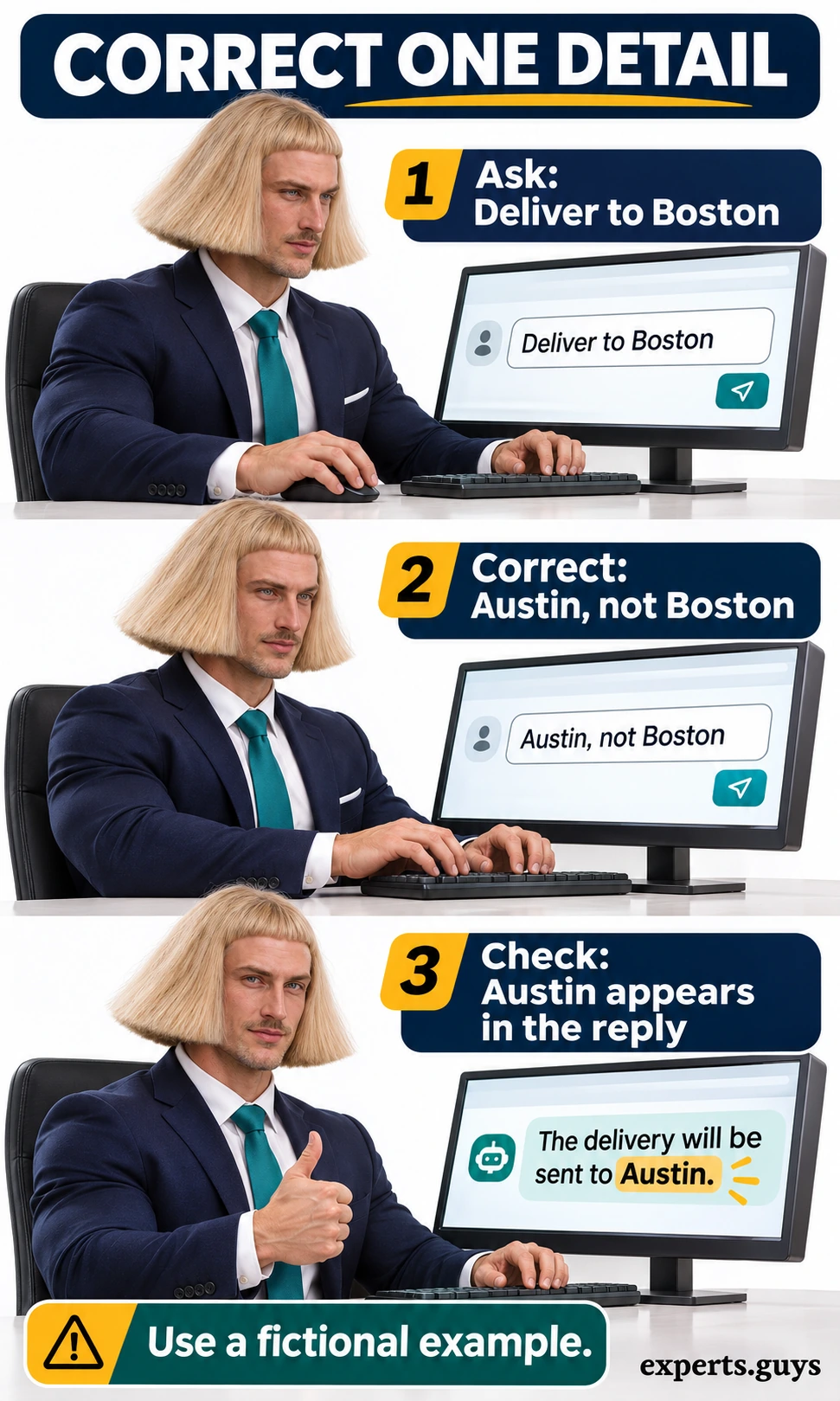
This check suits an open-text chatbot when you want to see whether the next response uses the detail you just corrected. Start with a fictional delivery request mentioning Boston. Then send, “Correction: Austin, not Boston. Which city are we discussing?” Read the next reply and confirm that it uses Austin. Do not submit an actual delivery change as part of this learning exercise.
- Set up: use a blank practice conversation and invented details; keep the task to one city.
- Change one thing: replace Boston with Austin while leaving the rest of the request alone.
- Inspect the result: the next reply should identify Austin without retaining Boston as the destination.
- Adjust if needed: restate the complete fictional request once. If the interface only supports buttons, use its edit or restart path instead.
A successful correction demonstrates that this response handled the supplied context; it does not prove lasting memory or reliability on unrelated tasks. A common mistake is changing the city, date and product together, then being unable to tell which detail caused the error. Keep the comparison small. If the bot continues using the old city, the observable result is a context failure, not a reason to share more personal information.
Check whether the source supports the exact claim
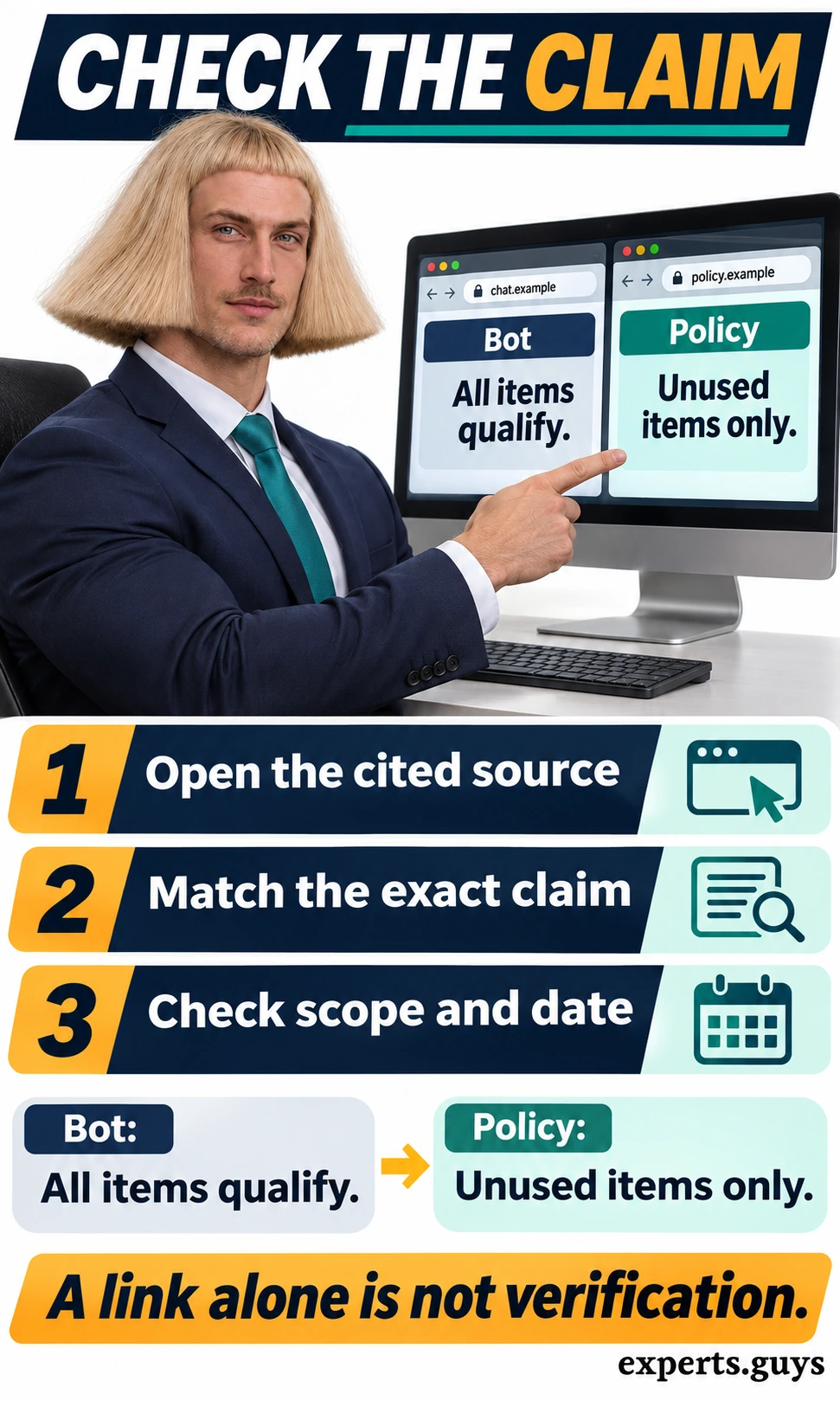
Use this check when a chatbot summarizes a policy or makes a claim that affects a decision. Open the cited source, find the passage about the relevant item or condition, and compare its scope with the chatbot’s wording. Then check whether the page applies to your market, product and relevant date. A source can be real while the bot’s interpretation is too broad.
For a simple example, imagine the chatbot says “All items qualify,” while the supplied policy says “Unused items only.” The missing condition changes the meaning. Keep the narrower source wording and ask the bot to revise its explanation using that condition. If no source is available, treat the claim as unverified and use the service’s official policy page directly. This is easier than trying to infer accuracy from confident language.
Check whether an action has a receipt
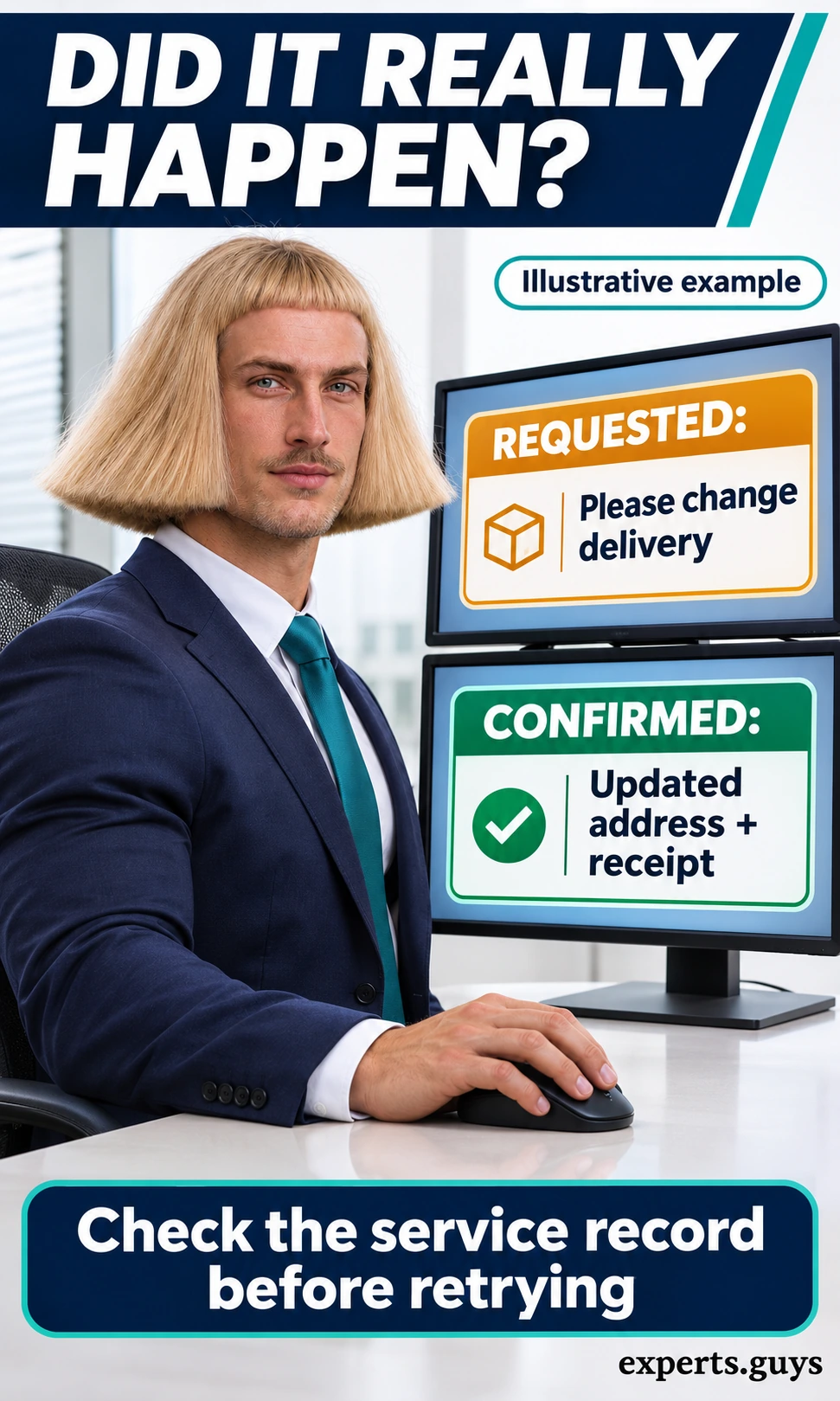
Use this check for a booking, cancellation or change that the chatbot claims to have completed. First identify the exact requested change. Next read the service’s confirmation and inspect the corresponding record, such as the appointment page or delivery address. The result should match the request and show the completed state, rather than only acknowledging that a request was received.
For example, “I have asked to change your delivery address” describes a request. A confirmation showing the updated address and a receipt is stronger evidence of completion, especially when the service record matches. If confirmation is missing or the state is pending, check the record before retrying; repeating a request can create confusion or duplicate actions. Where the record is inaccessible, use the official support route to establish the status.
These checks are useful for reading examples and handling ordinary conversations. They are not a security audit or a business rollout plan. Teams deciding how to connect customer records, test a service and manage escalation can continue with the customer-service implementation guide. Keeping that operational work separate makes this page easier to use as a beginner’s explanation.
Try the Chatbot Example Explorer
Choose whether your example asks the chatbot to explain something, look up a record or make a change. Then select the evidence available in the reply. The explorer shows a worked exchange and the next check that fits that combination. It is a learning exercise with preset examples, not a live chatbot or a service that can access an account.
Chatbot Example Explorer
Choose a job. See what evidence makes the reply useful.
Preset learning examples. No account access, AI service or data collection.
Start with one example
Select the job and the evidence, then show your next step.
Your choices stay in this page and reset when you reload.
Start with Explain and no supporting evidence to see why fluent wording alone leaves a claim unverified. Change the job to Change and select a matching confirmed record to see what completion evidence looks like. Read the result before opening the optional A4 action card. The card carries the same selected scenario and next step; it does not create a booking, send a message or store account information.

Frequently asked questions
Is a chatbot the same as a search engine?
Not necessarily. A search engine commonly returns documents or pages to explore, while a chatbot presents an exchange of messages. A chatbot may use search behind the scenes, and a search product may include conversational answers. Inspect the source and capability rather than treating the interface as a guarantee.
Can a chatbot work without an internet connection?
Yes, if the required software, model or scripted flow and information are available locally. That does not give it access to fresh web pages or remote account records. Many hosted services need an internet connection, so offline availability depends on the particular implementation.
Does a chatbot remember everything I tell it?
No. Context within a conversation, saved preferences and account history are different features. Their availability, limits and controls depend on the service. Do not assume a new conversation retains an earlier correction, and avoid sharing information the task does not need.
Is an automated reply always a chatbot?
A fixed email acknowledgement is automation, but it may not support a conversation. The chatbot label is more useful when the system can receive and respond to messages within an exchange. A simple menu-driven conversation can qualify even without a language model.
What to take from any chatbot example
Identify the conversational job first: explanation, lookup or action. Then look for the kind of evidence that job requires. A clear explanation, a supported account answer and a confirmed change are different outcomes, even when they appear in the same chat window. That distinction lets you recognize useful chatbot examples without confusing natural language with verified capability.
Sources and product details
- Claude: getting started – the conversational assistant example.
- IKEA: customer support and Billie – the retail assistant example; availability varies by market.