
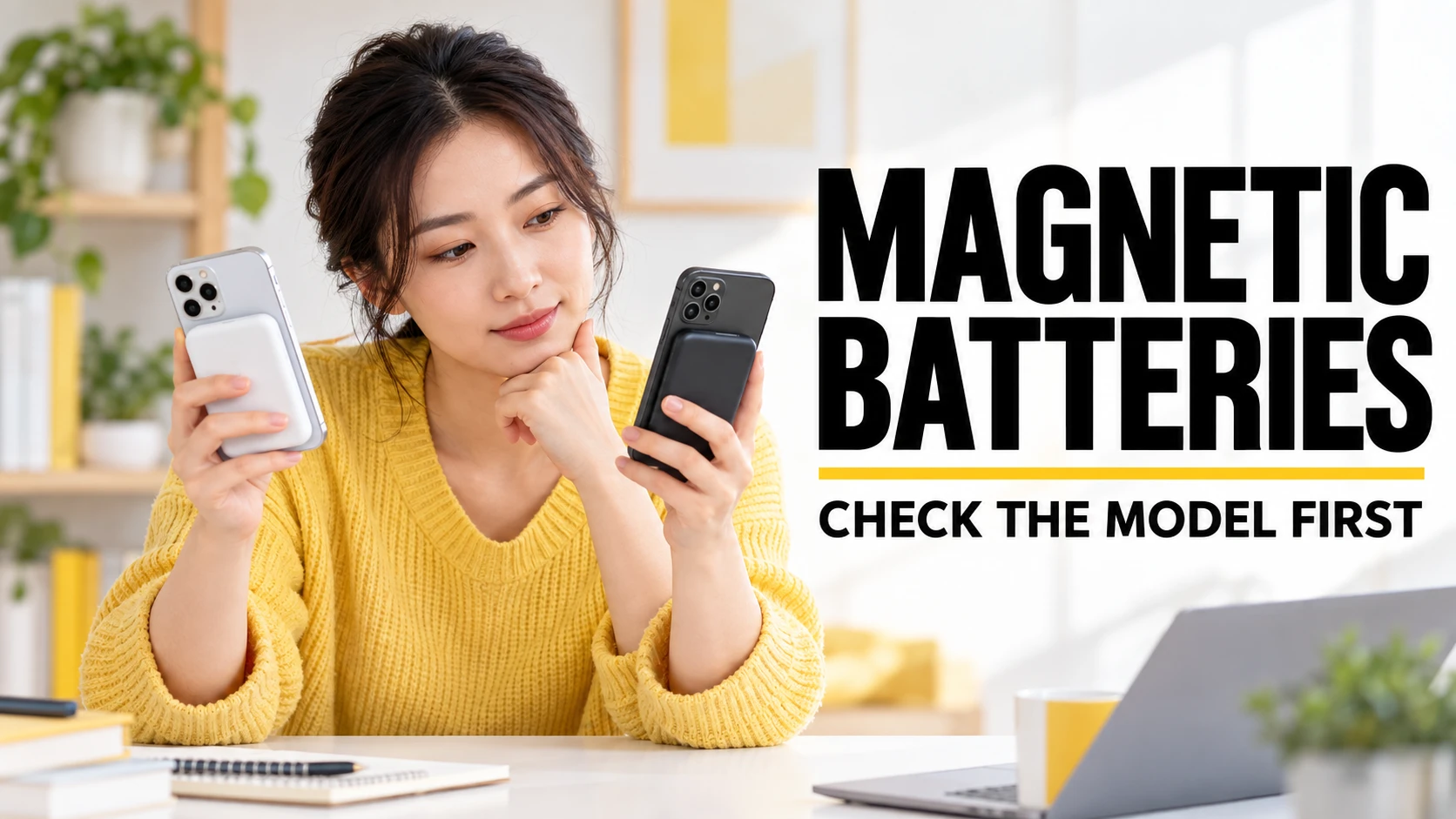
Apple stopped selling the original Lightning MagSafe Battery Pack in September 2023, but it has not publicly explained the decision. The iPhone Air MagSafe Battery introduced in 2025 is a separate, Air-only accessory, so choosing a replacement starts with identifying your phone and the battery model.
If you already own the original pack, discontinuation alone is not a reason to replace it. Check its condition, how securely it fits your case, and whether it still supplies enough reserve for your day. If you are buying now, compare Apple’s model-specific option with a certified Qi2 pack and a wired power bank rather than assuming every magnetic battery behaves alike.
The useful distinction is between a battery that stores energy and a charger that needs an external power source. Magnetic attachment only describes how the accessory lines up and stays in place. It does not establish its usable capacity, supported phone models, charging speed or software features.
| Option | Compatibility and role | Main check |
|---|---|---|
| Original Apple MagSafe Battery Pack | Apple’s published list covers iPhone 12, 13 and 14 families; Lightning recharging. | For later phones, verify actual operation rather than assuming official support. |
| iPhone Air MagSafe Battery | Apple lists iPhone Air only; USB-C connection. | Do not buy it as a general replacement for other iPhones. |
| Certified Qi2 magnetic power bank | Compatibility and output depend on the exact pack and phone. | Verify certification, physical fit and battery-mode output. |
| Wired power bank | Uses the phone’s charging cable rather than magnetic attachment. | Check cable, USB output and supported charging protocol. |
Why did Apple discontinue the original MagSafe Battery Pack?
The original pack disappeared from Apple’s store alongside the iPhone 15 launch and its move to USB-C. That timing makes the connector transition a plausible explanation, but it does not prove Apple’s internal reason. Claims that weak sales, poor capacity or Qi2 competition caused the withdrawal require evidence that the public record does not supply.
Treat the distinction between chronology and motive seriously when reading buying guides. The Lightning connector was a practical inconvenience for someone moving to a USB-C phone, yet it did not automatically stop wireless charging. Nor did withdrawal from sale make an existing battery unsafe or disable it remotely.
The later Air accessory changes the choice for one phone model rather than restoring the original universal concept. Apple’s iPhone Air launch announcement introduced a battery designed for that device. Its separate name and compatibility listing matter more than the shared MagSafe branding.
What the iPhone Air MagSafe Battery actually offers
The official iPhone Air battery specifications list up to 65% additional charge and up to 12W wireless charging on the go. Those are maximum claims, not a promise of the same battery gain during navigation, gaming or video recording. Apple also describes coordinated charging behavior that chooses when to recharge the phone when the battery is attached for all-day use.
Apple recommends attaching the battery and connecting it to a 20W or higher adapter for faster charging. That figure describes the adapter, not a guaranteed 20W wireless output from the battery. The same product listing says its USB-C connection can charge smaller accessories, which also makes the old article’s blanket claim that Apple batteries cannot supply wired devices misleading.
The US store price checked for this update was $99, with prices and availability varying by market. A premium can make sense if you value the Air-specific fit and coordinated behavior enough to carry it regularly. It is less compelling if your main requirement is a large reserve that also serves several devices.
Does the old pack work with iPhone 15, 16 or 17?
Apple’s archived product compatibility list explicitly names the iPhone 12, 13 and 14 families. Its archived usage guidance describes charging MagSafe-equipped iPhones, but that broader wording is not a model-by-model guarantee for newer devices. For an iPhone 15, 16, 17 or another later model, distinguish a pack that can attach and charge from a combination whose full behavior has been verified.
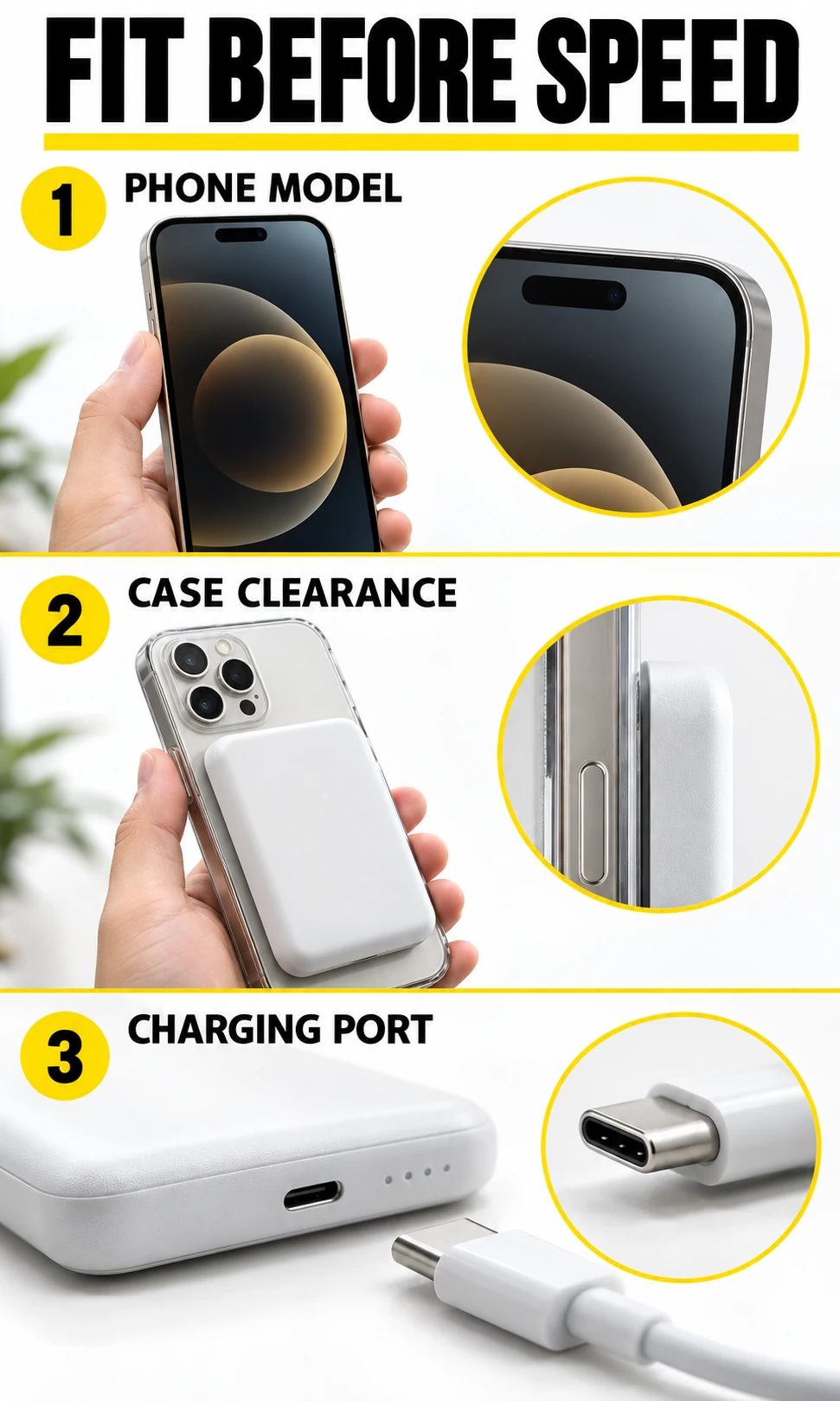
If you already have the pack and phone, a direct fit-and-charge check is useful. Fully charge the pack, remove an obstructive case, attach it to a cool phone and look for charging recognition and a stable connection. Then test normal use with your case fitted; a camera bump, thick cover or poor alignment can change the outcome.
An aged battery can attach normally while delivering much less reserve than it once did. A charging icon is therefore a recognition check, not a capacity test. If the old pack meets your daily needs and remains in sound condition, keeping it is reasonable; if you depend on it for a long trip, verify its useful reserve before departure.
- Read the exact model name in Settings → General → About; do not treat an entire numbered family as one device.
- Check the battery’s own model and connector before following instructions for it.
- For a purchase, obtain the seller’s compatibility statement and a usable return policy.
- Stop using a pack with swelling, deformation, leakage or damaged connectors; do not press it flat or try to repair its cells.
Battery mode and plugged-in mode are different
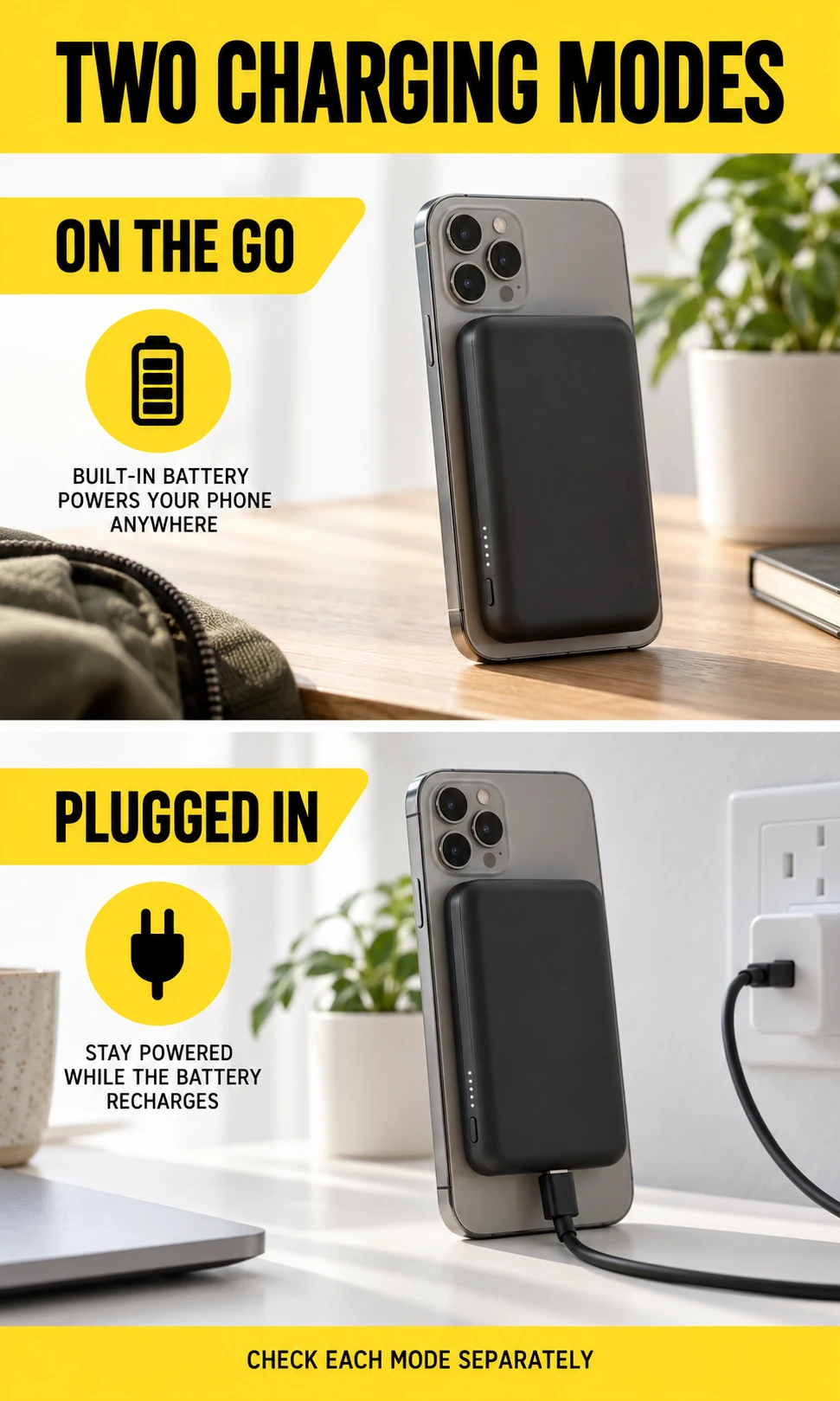
The original pack’s archived charging instructions describe up to 7.5W portable charging after the relevant firmware update. When connected to suitable external power, the original can supply up to 15W wireless charging. Do not use its wall-powered figure to judge how quickly it will top up a phone while you walk around.
Apple’s software integration is part of the original pack’s appeal: automatic charging, battery status and charging management reduce the need to operate a separate accessory. Its archived instructions also describe charging the attached pack while a supported iPhone is connected to power. That is a specific accessory behavior, not evidence that the phone can wirelessly charge arbitrary headphones or other phones.
Why mAh alone gives the wrong capacity comparison
Milliamp-hours describe electric charge at a stated voltage, so two labels with different voltages cannot be compared directly as stored energy. Watt-hours make that comparison clearer: Wh equals mAh multiplied by voltage, divided by 1,000. For example, 1,000mAh at 7.4V and 2,000mAh at 3.7V both represent 7.4Wh; this is an illustrative calculation, not a rating for either Apple product.
Even an equal Wh rating does not mean equal charge reaches the phone. Conversion losses, wireless transfer, temperature and the phone’s own activity consume part of the reserve. A capacity figure converted to a different voltage is therefore an equivalent label, not newly created energy or a guaranteed number of phone recharges.
For the original pack, Apple’s published test claims vary by phone size: up to 70% for the mini models, 60% for listed standard and Pro models, and 40% for listed larger models. These conditions are documented in the original product specifications. They do not substantiate the old article’s promise of a full recharge or a guaranteed final phone level of 90%.
Qi2 versus MagSafe: compare the exact combination
A magnet ring is not proof of Qi2 certification. The Wireless Power Consortium identifies Qi2 and Qi2 25W as certified charging standards, and provides a product database for checking a particular model. The standard’s maximum does not mean every phone and battery combination will reach that output.
Separate three checks: the accessory’s certified specification, the phone’s supported charging profile and the output available in portable operation. A listing may feature a high number for USB-C output or for use with an adapter while offering a lower wireless rate from its own cells. Neither a brand name nor “MagSafe compatible” settles those questions.
| Choice | Useful when | Trade-off |
|---|---|---|
| Air-specific Apple battery | You have iPhone Air and want its designed fit and charging behavior. | Single listed phone model; maximum additional charge depends on conditions. |
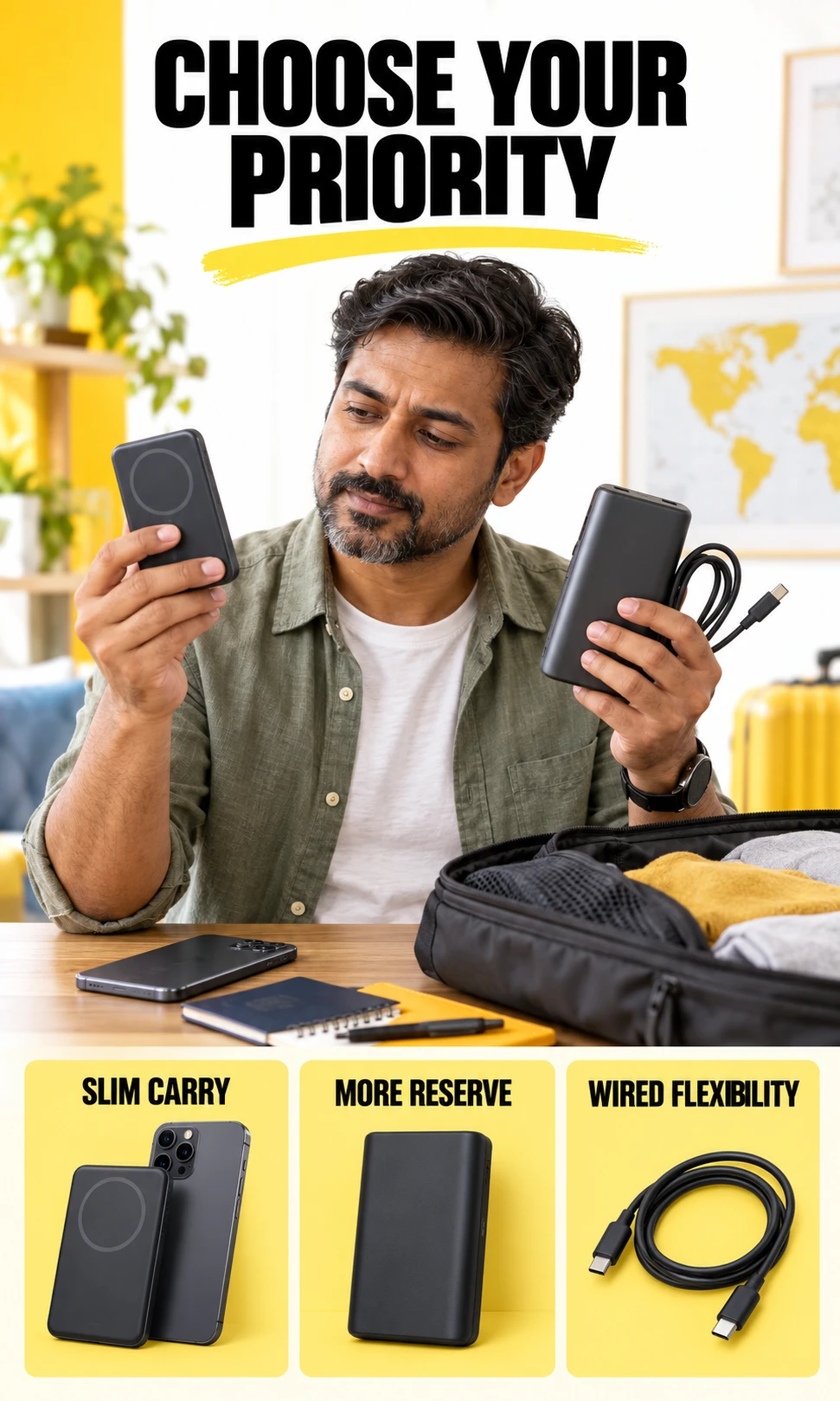
| Slim certified Qi2 pack | You want magnetic carry and an exact model with verified phone support. | Small size can limit reserve; software features vary. |
| Larger certified Qi2 pack | You need more stored energy and accept added size. | Weight and camera clearance need a physical check. |
| Wired USB power bank | You need flexible charging for several devices. | You carry a cable and must verify each port’s output. |
Three third-party models worth comparing
These examples show the difference between a 15W Qi2 option and a newer 25W listing. They are specification references, not a hands-on ranking, and the advertised maximum still depends on the exact phone and operating conditions. Check current price, regional stock, warranty and the manufacturer’s phone list before ordering.
| Model | Manufacturer-listed specification | Decision check |
|---|---|---|
| Anker MagGo Power Bank (10K, Slim), A1664 | 10,000mAh; Qi2 wireless up to 15W. | Check case support and the exact phone list. |
| UGREEN MagFlow Magnetic Wireless Power Bank 10,000mAh, Qi2 25W | 10,000mAh; advertised wireless up to 25W. | Verify your phone can use that profile; output can fall back. |
| Belkin BoostCharge Pro Magnetic Power Bank with Qi2 15W 10K, BPD008 | 10,000mAh; wireless up to 15W. | Verify the exact SKU, physical fit and wired-port specification. |
Check your phone and carrying priority
Charge Fit Studio narrows the choice by phone, battery type and intended use. It flags unsupported Air combinations and distinguishes Apple-listed original models from later phones that need verification. It does not predict charge percentages or certify third-party products, because those answers require the exact hardware and test conditions.
Your next battery decision
Charge Fit Studio
Check the model, then choose the reserve you will carry.
This check separates Apple-listed compatibility from combinations that need verification. It compares battery categories; it does not certify a pack or predict the percentage your phone will gain.
Carry trade-off
Next checks
Specifications checked 3 October 2026. Product behavior can change; verify the exact model before purchase.
Before you buy or troubleshoot a magnetic battery
- Confirm the model and connector; instructions for the original pack and Air battery are not interchangeable.
- Verify case clearance and alignment, including the camera area.
- Read separate wireless, USB output and external-power ratings.
- Inspect the pack’s condition, warranty and return terms, particularly for discontinued stock.
- Compare realistic reserve, carry weight and cable needs before selecting by advertised capacity.
A warm phone that is also navigating or recording video may gain charge slowly even when the battery works. Reduce the workload, move away from direct sun and allow the devices to cool before repeating the check. If charging remains unreliable with a known-good cable and compatible setup, seek support rather than assuming a larger adapter will solve it.
Frequently asked questions
Is the original MagSafe Battery Pack discontinued forever?
Apple withdrew the original model from sale, but that does not reveal its future product plans. The Air-only battery is a distinct accessory. No universal successor should be promised without a confirmed announcement.
Does the iPhone Air MagSafe Battery work with iPhone 17 Pro?
Apple lists iPhone Air as its compatible phone. Do not buy the Air battery for iPhone 17 Pro on the assumption that magnetic attachment guarantees support. Choose a pack whose maker explicitly supports your exact model.
Will the old MagSafe Battery Pack work with an iPhone 15 or 16?
The archived Apple product list covers iPhone 12 through 14 families. For later MagSafe-equipped models, verify fit, charging recognition and behavior on the actual combination. Attachment alone does not prove full compatibility.
Is the Air battery guaranteed to add 65% charge?
No. Apple states up to 65% additional charge under its testing conditions. Phone activity, temperature and starting charge can change the reserve you observe.
Why do some batteries have much larger mAh numbers?
Capacity labels must be compared at the same voltage. Compare Wh where available, then consider charging losses and the phone’s energy use. A larger mAh number by itself is not a reliable recharge prediction.
Is Qi2 the same as MagSafe?
They are related magnetic charging approaches, but the terms are not interchangeable proof of certification or features. Check the exact product in the certification database and verify your phone’s supported profile. Software integration varies by accessory.
Can I still buy the original pack?
Discontinued stock and used units may be offered by independent sellers. Check authenticity, condition, return rights and warranty before paying. Old unused stock can also have battery aging, so an unopened box does not prove useful reserve.
The decision: keep a useful pack, replace an unsuitable one
Keep the original if it is healthy, fits securely and provides enough reserve for your routine. Consider the Air-specific battery only for iPhone Air, and compare a certified Qi2 or wired pack when flexibility matters more. The right replacement is the one whose compatibility, portable output and carrying trade-offs you have checked—not the one with the most familiar magnetic branding.