
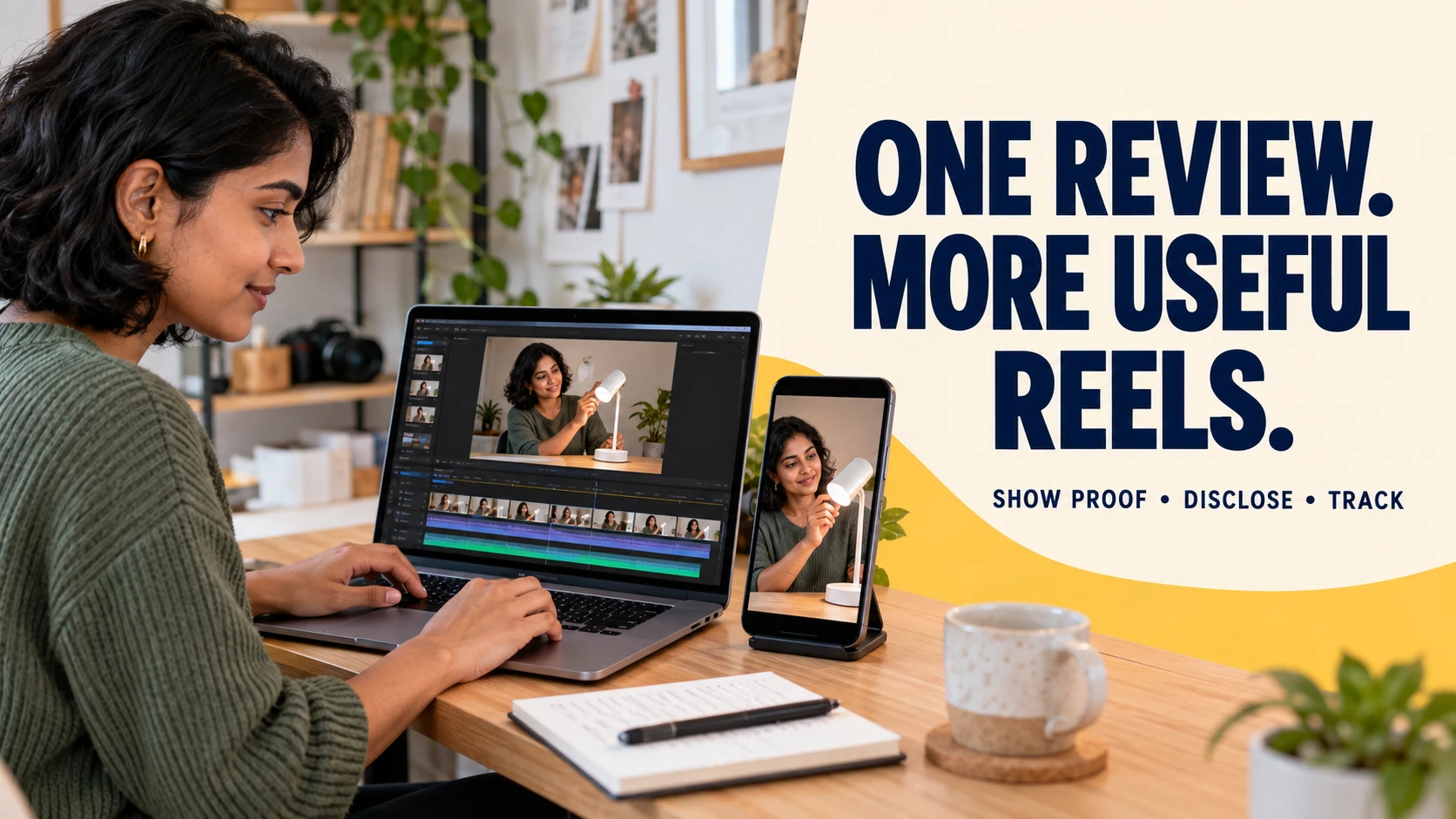
Repurpose your own YouTube affiliate videos into Facebook Reels by extracting one useful demonstration, rebuilding it for mobile viewing and giving viewers a clear, disclosed route to the product. Check the affiliate program’s permissions and tracking setup before publishing; more video views do not automatically produce more commissions. Start with one review and three distinct buyer questions, then judge the results using eligible clicks and confirmed commissions.
Choose the viewing job before choosing the format
A YouTube review can answer several questions in one sitting, while a Facebook clip needs to make sense without the original introduction. Select a moment that proves something a buyer wants to know, such as whether a lamp lights a desk evenly or whether its clamp fits a shelf. Keep the condition that makes the observation true, rather than cutting it away to make the product sound better.
Upload an edited video file when the demonstration itself is the useful answer on Facebook. Share a YouTube link when someone explicitly wants the full comparison or a detailed tutorial that cannot be compressed responsibly. Native viewing removes the need to leave Facebook to watch, but that convenience is a workflow advantage, not evidence of a guaranteed reach or sales multiplier.
Facebook video terminology has also changed. Meta’s unified video publishing rollout brings new uploads into Reels, including longer and differently shaped videos. A short vertical edit is a useful mobile design choice, rather than a rule that every Facebook Reel must be under a minute.
| Reader situation | Useful route | What to verify |
|---|---|---|
| One product action answers the question | Upload a self-contained native clip | The demonstration, limitation and disclosure remain visible |
| A buyer needs the full comparison | Share the relevant YouTube review where links are allowed | The destination answers that specific question |
| A group prohibits promotion | Give a useful answer without an affiliate CTA | Admin rules apply to comments as well as posts |
| Product tagging is available | Consider the native affiliate product route | Partner eligibility, product match and reporting access |
Select clips by buyer question, not by excitement
Review the original edit, viewer comments and retention graph together. A retention spike can flag an interesting moment, but it may reflect confusion or replaying rather than purchase intent. Choose the segment only if its value survives outside the surrounding video and you can explain what it demonstrates honestly.
For an illustrative desk-lamp review, useful clips could cover clamp clearance, light direction and switching controls. Each answers a different question and needs its own opening line. Do not force seven clips out of a review that contains only three credible demonstrations; repetition adds editing work without adding a reason to watch.
Create a small selection sheet with the source timecode, buyer question, visible proof and necessary caveat. Record the exact product variant because a link to a different size or model can undermine the demonstration. If you cannot identify the source footage or have not verified its reuse rights, resolve that before cutting a publishing version.
Use your original source files whenever possible. This preserves image quality, gives you clean audio and avoids carrying over platform interface graphics. Check music, stock footage, guest consent and licensed assets separately because permission for a YouTube upload may not cover commercial promotion on another platform.
- Choose one buyer question per clip.
- Start where the demonstration becomes understandable; remove channel intros.
- Retain the limitation, test condition or compatibility detail.
- Write down the matching product and approved link route.
- Reject clips that imply a result you did not observe.
Reframe the demonstration for a phone
A 9:16 canvas gives you a practical starting point for a vertical mobile edit. Exporting at 1080 × 1920 is an editing target, not a claim that Facebook accepts only that size. Reframe the product and the action together, and use a split view or a fresh close-up when a narrow crop would hide the evidence.
Make a short test edit, perhaps 15–60 seconds, and extend it if the explanation needs more room. The aim is a complete answer with a clean opening, proof and next step. A longer clip with a necessary compatibility explanation is preferable to a shorter clip that misleads the buyer.
Add captions and proofread product names, measurements and qualifications. Keep captions, disclosure and the product away from the interface areas visible in your publishing preview; exact overlays can vary by surface and device. Watch the export once with sound and once muted on a phone before scheduling it.
If an automatic clipping service selects the moment, review the cut yourself. It can remove the sentence that limits a claim or crop out the hand operating the product. Use the editor you already know if it supports reframing, caption correction and a clean export; automation saves time only when the result still explains the test.

Build an honest hook, proof and next step
Open with the actual buying question: “Will this clamp fit a thick desk edge?” Show the fit test immediately and state the desk thickness you used. Finish with the observed limitation and a product route the viewer can genuinely find, rather than promising that every desk will fit.
A useful illustrative script is: “I may earn a commission from purchases through my link. Here is the clamp on my desk edge; notice where the pad stops. Check the clearance against your own desk before buying, and use the product link in the location shown with this post.” Replace that final location with the route you have tested in your account.
The caption should support the demonstration rather than repeat the entire spoken script. Put a plain-language disclosure with the endorsement, explain the observed result and name the limitation. Hashtags can describe the subject, but they do not substitute for a relevant video or a readable commercial disclosure.
Disclose the commercial connection where viewers see it
For content affecting U.S. consumers, the FTC’s influencer disclosure guidance calls for a clear disclosure in the video itself, rather than relying only on its description. Include readable on-screen wording and spoken disclosure, with caption wording that is visible alongside the endorsement. Other markets and affiliate programs may impose additional requirements, so check the audience and program you actually serve.
“I may earn a commission if you buy through this link” explains an affiliate relationship plainly. If the product was also gifted or the clip was sponsored, disclose that connection accurately as well. A platform label can supplement your wording, but it should not carry the whole disclosure by itself.

Choose a product route your account supports
Facebook Affiliate Partnerships lets eligible creators tag participating retailers’ products and earn partner commissions on qualifying purchases. Meta’s regional partnerships announcement names Amazon, eBay and Temu in the United States, Mercado Libre in Latin America and Shopee in Asia. That announcement does not establish that every creator, country or retailer product is available in your account.
Check the professional dashboard or publishing options for access, then read the enrollment, payout and partner terms shown to you. If the option exists, select the exact product, inspect the tag in the preview and confirm where attributed results will appear. If it is absent, use a permitted external affiliate route rather than describing an unavailable banner to viewers.
For external links, confirm that your Facebook presence and intended placement are allowed by the affiliate program. Generate the link using the program’s own method and use supported tracking IDs or sub-IDs when available. Do not assume that reusing a YouTube link separates Facebook results, and do not add arbitrary parameters that might damage attribution.
| Route | CTA example | Check before publishing |
|---|---|---|
| Native product tag | “Open the product tag to check the details.” | Tag exists and identifies the demonstrated variant |
| Permitted direct link | “Use the product link with this post.” | Link is usable in the actual viewing surface |
| Your own comparison page | “Read the full fit comparison before buying.” | Page is useful, disclosed and permitted by program terms |
| Full YouTube review | “Watch the full comparison for the other models.” | Viewer expects a review, not a direct product checkout |
Use Groups only where your contribution belongs
Read the group’s rules before bringing an affiliate clip into a discussion. Answer a real member question with the relevant finding, and seek admin clarification if commercial links or self-promotion are unclear. Putting the link in the first comment does not bypass a ban on promotion, and there is no universal posting ratio that guarantees acceptance.
A group answer can still be useful without a purchase link. Describe the fit issue, give the measurement someone should check and share a demonstration only if that form of contribution is welcome. Do not scrape member details, send unsolicited sales messages or use a group as a repeated distribution list for the same clip.
Track commissions separately from video engagement
Give each test a simple clip ID and record its question, opening, route and publishing date. Keep platform reach and watch metrics separate from affiliate clicks, qualifying orders and commissions. Amazon’s tracking ID reporting illustrates how a program can distinguish strategies, but each partner has its own supported identifiers and attribution rules.
Compare results over the same elapsed time and change one meaningful creative variable at a time. Use confirmed commissions after reversals or returns when judging earnings, and keep currencies separate. Small samples remain uncertain; an early zero may mean too little traffic, reporting delay or a broken route rather than a failed product.

| Observed result | Next check |
|---|---|
| Views but few eligible clicks | Verify CTA visibility, route usability and buyer relevance |
| Clicks but no orders | Check product match, availability, price and attribution window |
| Orders but lower final earnings | Review qualifying rules, cancellations, returns and adjustments |
| Low viewing completion | Check whether the opening shows the promised proof quickly |
| No native affiliate feature | Use an allowed external route and verify program permissions |
Create your first clip brief
Reel Conversion Studio turns your buyer question, evidence and available publishing route into a practical brief. Its checks identify unresolved permissions and disclosure steps; they do not certify compliance or forecast sales. Add your observed results if you want rates based on actual data, then open the A4 report for an editing-session reference.
Reel Conversion Studio
Build a clear clip brief, check the publishing route and compare observed results.
Use this workspace to turn one original product demonstration into a focused Facebook clip. Checks use your answers; they do not verify account eligibility, certify compliance or predict commissions. Entries stay in this browser tab and are cleared on reload.
Your brief will appear here
Complete the buyer question and proof, then select Build my brief.
No video upload, external account access or automatic publishing. No sales forecast. Printing uses your browser’s A4 settings.
Facebook affiliate repurposing questions
Can I reuse the same affiliate link from YouTube?
Only if the program permits the Facebook placement and the link still identifies the correct product. A shared link may also combine traffic from both platforms in reporting. Create a supported tracking identifier for the test when available, and verify the route without placing a prohibited self-purchase.
Will Facebook penalize my own repurposed videos?
Meta’s originality guidance describes content produced by the creator or Page owner as original. Reusing your own footage differs from making minor edits to another creator’s post. Copyright, licensed audio, spam rules and account-specific restrictions still need separate checks.
How long should a Facebook affiliate Reel be?
Use the shortest edit that answers the buying question accurately. A 15–60 second version is a practical experiment for a focused demonstration, not a universal optimum or a platform limit. Extend the edit when a fit condition or limitation needs more explanation.
Do I need a Facebook Page?
A Page can suit a business workflow, while professional-mode profiles may offer creator features. Affiliate access and reporting depend on the account and participating program. Choose the identity you can manage consistently and check its actual publishing options.
Should I put the affiliate link in the first comment?
Use that placement only when the program, group rules and viewing surface allow it. A comment link can be easy to miss, and it does not make an otherwise prohibited promotion acceptable. Test the route from a viewer’s perspective before naming it in the video.
Is Facebook Affiliate Partnerships the same as video monetization?
Affiliate commission depends on qualifying purchases attributed under the partner’s rules. Facebook content monetization is a separate earnings system with its own eligibility and reporting. A popular Reel does not establish that either form of payment has been earned.
Start with one review and three useful answers
Choose three buyer questions from one original review and publish them only after checking the proof, rights, disclosure and route. Record the clip IDs before posting so you can compare actual outcomes without reconstructing the campaign later. Keep the clip that helps buyers and produces credible attributed results, then use that question to guide the next review.
If you are also comparing income models, separate affiliate sales from the wider ways to monetize a YouTube channel. This workflow tests whether existing product evidence works for a second audience. It does not require abandoning the longer review that explains the full decision.