


The YouTube TV referral program can reduce a subscription bill, but it does not pay subscribers cash. Start by checking the offer in your account, because your plan, billing arrangement and friend’s subscription history can determine whether a referral works. A link shared successfully is only the beginning of that check.
YouTube TV and a YouTube creator channel serve different purposes. A streaming subscription does not give you a channel to monetize through merchandise, sponsorships or uploaded videos. If your goal is creator income, use the separate guide to YouTube monetization strategies; this page focuses on subscription savings.
How the referral program works
The basic sequence is an eligible subscriber’s link, an eligible newcomer’s signup and a qualifying payment. The official referral instructions put the sender’s discount after the friend becomes a paying member, rather than when a trial starts. Check the account’s “Your discounts” area for the referral record.
Treat each stage as a separate item in your own notes: shared, signup checked, payment checked and credit checked. This avoids counting a conversation as a completed referral or treating a trial confirmation as a credit notification. It also gives you a clear starting point if you later need support.
How much can you save? Read your offer first
There is no single credit amount stated on the public help page. The referral terms direct senders to the account referral page for their credit amount and recipients to the linked signup offer for their discount. Read both screens independently; the two people need not receive identical benefits.
An “up to $450” claim is therefore a conditional example, not a universal promise. If your account actually offers $45 for each credited referral, ten such credits total $450. If it shows $20, the same arithmetic produces $200, and neither example confirms that you or a particular friend qualifies.
For a realistic projection, multiply your displayed sender credit by the number of additional referrals you expect to qualify, within the remaining allowance shown for your account. Keep confirmed credits separate from projected credits. Do not subtract an unearned projection from the money you set aside for the next bill.
| Check | What to record |
|---|---|
| Sender amount | The credit displayed in your own referral offer; leave it unknown until verified. |
| Recipient amount | The discount visible to the friend during linked signup, considered separately. |
| Completed referrals | Credits already recognized in the account, rather than links sent. |
| Remaining allowance | The account’s remaining usable allowance; check support if the limit wording is unclear. |
| Projection | Displayed sender credit × additional qualifying referrals. This is potential bill credit, not cash or a guaranteed next-bill deduction. |
Who should check eligibility before sending a link?
Start with an active, paid main plan and direct billing, then check the recipient’s history. The published help excludes paused memberships, trials and carrier or internet-provider billing; recipients must not have had a subscription or trial before. Family-group members may share a link, but the family manager receives the account discount.
The terms additionally require eligible US residents aged at least 18, physically resident in the eligible area. They require a qualifying payment within 30 days of code application and warn that pausing forfeits pending rewards. These are reasons to inspect the offer before arranging a signup, particularly if a trial or an upcoming pause complicates the timing.
YouTube TV has introduced genre-specific plans, but the referral help still limits discounts to the main plan and the terms name the Base Plan. Do not assume a Sports or Entertainment subscription qualifies because it belongs to the same service. Compare the recurring plan cost with your viewing needs before choosing a larger plan for a temporary benefit.

How to find your referral link on desktop or mobile
Use the official website or YouTube TV app and check which Google account is signed in. A household with several Google logins can easily open a working account that is different from the subscription account. Make that account check before interpreting a missing menu option as a service problem.
- Open YouTube TV and select your profile icon, then look for Refer a friend.
- Open the referral offer and read the amount and conditions before copying the unique link.
- Keep a private record of the offer you saw, including any relevant deadline.
- Share privately with someone you know who is considering the service; let them review the cost themselves.
The same profile-menu route is the useful starting point on Android and iPhone, although the presentation can differ across devices. If the option is absent, try the signed-in desktop website as a cross-check rather than repeatedly searching different television menus. Compare the account, plan and billing details before changing any subscription setting.
Avoid repairing a copied link by guessing at its code or adding a promotion parameter found online. Return to the referral offer and copy it again instead. If the recipient sees an unexpected destination, they should stop before entering payment information and ask you to resend the link through your normal private channel.
How your friend should use the link
Your friend should open the referral link before completing signup and inspect the offer that appears there. They should check the Google login, the plan, the trial end and the price after the initial discount. A promotion is useful only when the subscription itself fits their budget and viewing needs.
The critical evidence is the referral offer in the signup flow, not a message saying that a link was received. Before confirming, the friend can save a private screenshot of the relevant price and referral wording, without sharing card details. If that wording is missing, pause the purchase and use official support rather than assuming the discount will be added later.
Do not try to create a new identity for someone who has already used the service. The question is the person’s eligibility, not whether an email address looks new. Resolve an uncertain subscription history before paying for a plan on the strength of a referral promise.
When should the referral credit appear?
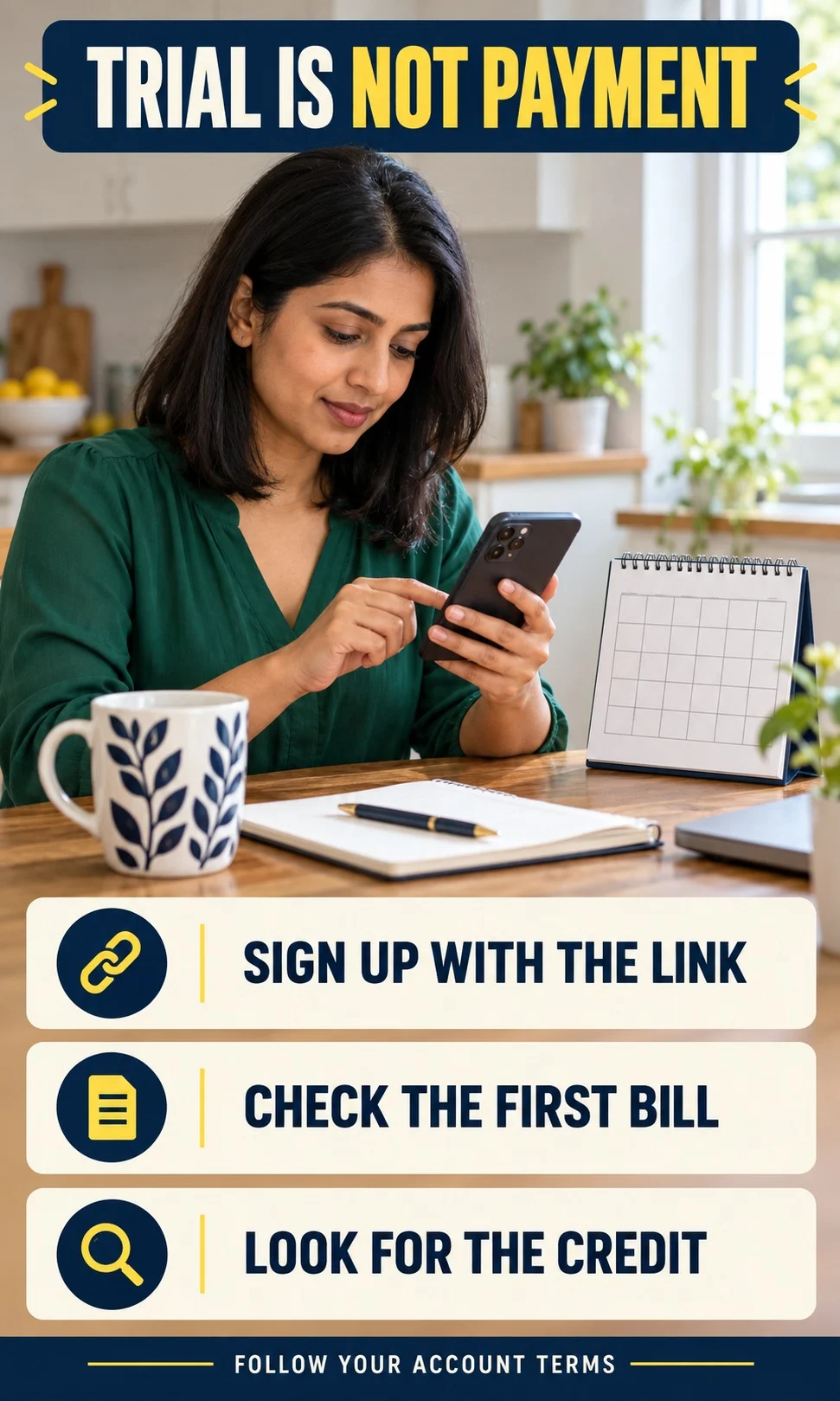
Trial signup and first payment are different milestones. The sender should look for the referral email and upcoming discount after the friend’s qualifying payment, rather than expecting a credit immediately after the link is opened. A longer trial is a reason to verify the payment deadline with support, not to assume the referral remains valid indefinitely.
Create a reminder to check your own next bill without treating a pending credit as spendable money. Record whether the friend confirms payment, whether your account shows a reward and whether that reward has actually been used. Those observations describe different states, and a missing state tells you which question to ask next.
Several credits arriving together also do not justify assuming that one bill will fall by their combined value. The terms allow allocation across bills and carryover when credits exceed the subscription cost. For budgeting, use the bill preview or posted invoice rather than trying to reproduce the service’s allocation with a simplified calculator.
Missing credit troubleshooting: establish what happened
A useful investigation starts with the earliest uncertain step. Check the Google account and the signup offer before examining the payment stage, then check the referral history before escalating a billing complaint. Repeating the signup or sending another link after payment can create more confusion without establishing what happened originally.
| Symptom | Practical next step |
|---|---|
| Refer a friend is missing | Compare the signed-in account, main-plan status and billing provider; cross-check in a desktop browser. |
| Link opens but no offer appears | Copy it again from the account offer. Ask support before completing a purchase that depends on the discount. |
| Friend has only started a trial | Check the trial end and payment deadline. Do not count this as a paid referral. |
| Friend says they paid | Confirm the signup used the referral offer, then inspect your discount history and next bill. |
| Account has been paused | Ask support about forfeiture before expecting pending rewards to survive. |
| Link stopped after many credits | Check the limit reached in the account; do not assume an automatic reset. |
When contacting official support, describe the timeline in plain language: when the link was shared, when the offer was accepted and when the friend says the first payment occurred. Include the issue shown in your account and the specific outcome you expected. Keep the friend’s full email, payment details and screenshots out of public forums; support can tell each account holder what evidence is needed.
A focused question is easier to resolve than a general complaint about a missing reward. Ask whether the referral was attached, whether the payment satisfied the offer and whether the discount is pending or already allocated. Do not give a third-party “credit recovery” service your password or allow remote access to your device for a subscription discount.

Share personally, and avoid turning referrals into an income scheme
The referral terms exclude commercial code use, blog or coupon-site distribution, paid advertising and spam. Use a private personal conversation rather than a public code-promotion campaign. The reward has no cash alternative, so the program belongs in your subscription budget rather than a creator-income forecast.
Recommend the service only when it makes sense for the person considering it. Explain that you may receive a bill credit, and ask them to compare the actual recurring cost against the channels they want. A referral is a poor deal if it persuades someone to buy a larger or longer subscription they would otherwise avoid.
A lightweight private log is enough for tracking. You can use initials instead of contact information and record only the stage and dates you need to remember. Avoid building a list of other people’s account credentials or invoices; you do not need those to check your own discount history.
Check your account conditions and project possible bill credits
Referral Credit Studio helps organize the account checks, distinguish a projected credit from a confirmed one and identify the next missing-credit question. Enter the offer amount you actually see, rather than a figure from an old article. The result uses your answers and cannot inspect your Google account or award a credit.
Referral Credit Studio
Check the conditions. Project bill credits. Choose your next step.
Check the published main-plan referral conditions, then use your own account offer to estimate potential credits. This experience cannot inspect your Google account, confirm eligibility or award a discount.
Your next steps
Frequently asked questions
Does the referral program work with the Sports Plan?
The published referral instructions restrict the discount to the main plan, and the terms specify the Base Plan. Do not budget for a Sports Plan referral credit without explicit confirmation from YouTube TV. Check the current account offer before making a plan choice.
Can I combine a referral discount with another coupon?
The referral help says recipients cannot combine it with another coupon code. Compare the actual checkout total and renewal price rather than adding advertised discounts together. Keep the offer you select visible before confirming signup.
Can I use my own link or refer the same person twice?
Treat this as a referral for a genuinely new eligible person, rather than a way to reward another account you create for yourself. Prior subscription or trial history matters. A repeated signup is not a reliable route to a new reward.
Do pending referral credits survive a pause?
The terms warn that pausing forfeits pending discounts or rewards. Check the account before pausing if a reward matters to your budget. Do not assume it will reappear when the subscription resumes.
Is the referral program available outside the United States?
The published referral terms limit participation to eligible US residents in the specified area. An overseas reader should not treat an accessible link as permission to participate. Location and residency conditions still matter.
Does a referral reduce the bill permanently?
A referral is a promotional bill benefit, not a permanent reduction in the subscription’s recurring price. Track the remaining credit and the standard charge separately. Reassess your budget when the benefit has been used.
Does the ten-referral limit reset every year?
The terms contain calendar-year wording, while other clauses and the help page describe a ten-reward cap with the link stopping after ten. That wording does not justify promising a reset. Check your account allowance or ask support before planning additional savings.
Your next step: check the offer before sharing
Open your own referral offer and record the amount, remaining allowance and conditions you can verify. If the account checks are clear, share the link privately with a genuinely new prospective subscriber and let them evaluate the purchase. If a condition is uncertain, resolve that condition first; a plausible savings calculation cannot replace an eligible signup.