
What is Super Mario Maker 2?
Well, if you’re asking me “What is Super Mario Maker 2?”, let me tell you, it’s an absolute game-changer, quite literally!
It’s a fantastical playground for gamers, where you’re not just a player; you morph into a game developer. Ever dreamt of crafting your version of the iconic Super Mario Bros? This game makes that dream a reality.
It lets you construct your unique Super Mario levels, dabbling with an array of building blocks, power-ups, foes, and so much more. One moment, you could be meticulously setting up a row of Goombas for Mario to stomp over, and the next, you could be placing that coveted power-up in the most unexpected corner of the level.
What are the level creation and customization tools?
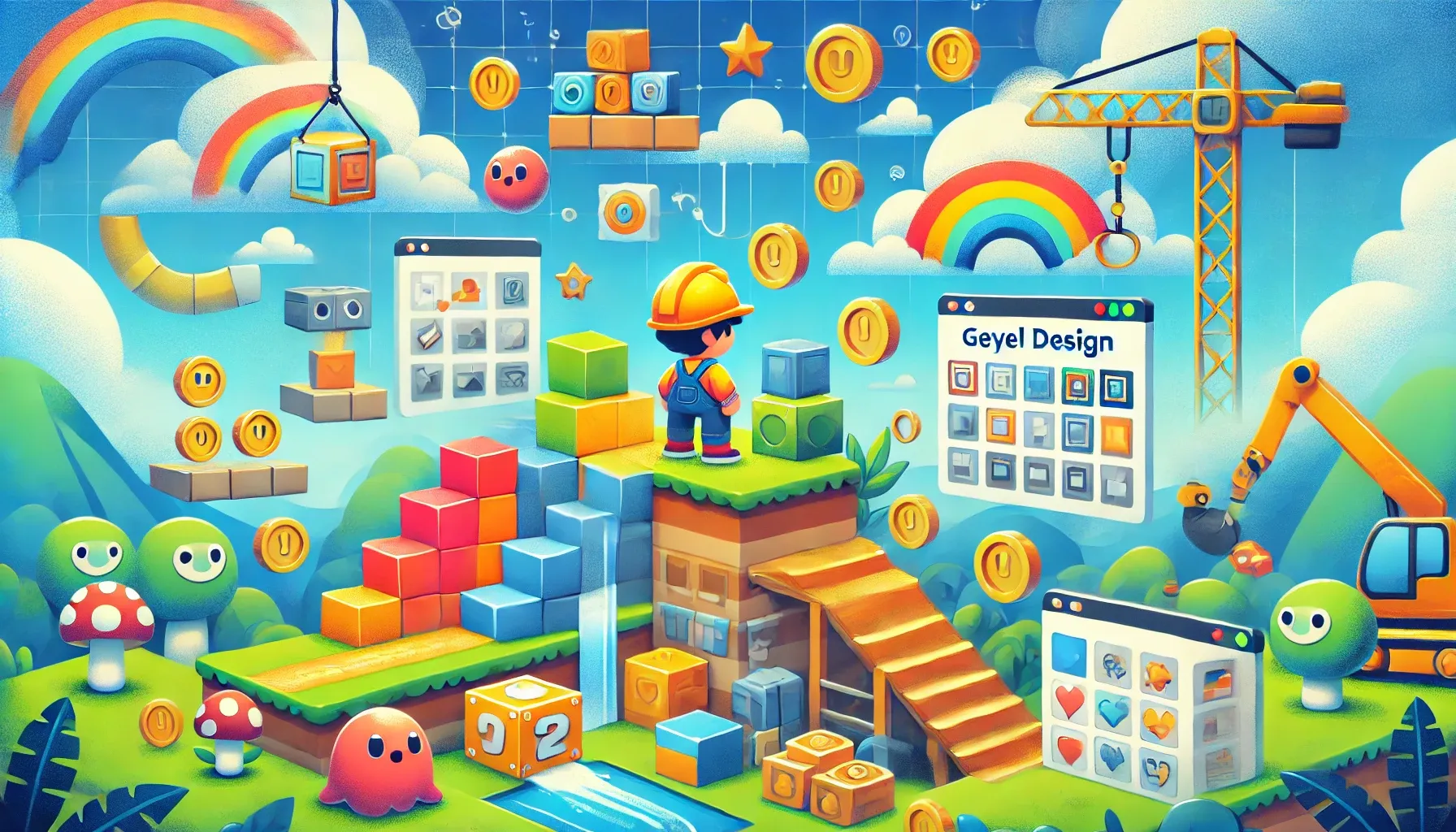
They’re like your painter’s palette loaded with vibrant hues, just waiting for you to pick and craft your masterpiece. Whether you’re creating soaring platforms or designing cunning traps, these tools are your trusty companions.
Think of them as an artist’s brushstrokes that let you bring to life your unique vision of a Super Mario level. Want to place a tricky enemy behind that pipe? Or set a super-star just out of reach? With these tools, all of this and much more is possible!
What are the benefits of using these tools?
The benefits of using the level creation and customization tools in Super Mario Maker 2 are manifold. Primarily, they let your imagination take the driver’s seat. You have the power to mold a gaming universe that aligns with your vision and creativity.
But that’s not all. Imagine this – the level you build could be enjoyed by millions of players worldwide! A tricky jump you craft, a hidden power-up you plant, could become the highlight of someone’s gaming session. How cool is that? The fun you create isn’t just confined to your gaming console. It’s a joy that resonates globally.
In this article, we’ll explore the level creation and customization tools of Super Mario Maker 2.
How do the Level Creation Tools in Super Mario Maker 2 Enhance Gameplay?
1. The Course Maker:
The cornerstone of Super Mario Maker 2 is the Course Maker. This tool lets you construct your level, adding platforms, obstacles, and power-ups, and creating a gaming experience limited only by your imagination.
2. The Item Selector:
Here is where you fit your level. Power-ups, coins, or Yoshi – the Item Selector lets you add these details to your level, increasing the gameplay’s complexity and enjoyment.
3. The Enemy Selector:
Want to challenge your players? The Enemy Selector allows you to place Bowser, Koopas, or even Boo in your level. This tool brings danger and thrill to your creation.
4. The Background Selector:
Set the stage with the Background Selector. From the classic Mushroom Kingdom to a haunted castle, your level’s look and feel is shaped here.
5. The Music Selector:
Amp up the drama or keep it fun with your choice of iconic Super Mario music. The Music Selector gives your level the perfect audio backdrop.
What are the Customization Tools Available in Super Mario Maker 2?
- The Course Theme: Whether you want Super Mario Bros. 3 desert or a New Super Mario Bros. The Course Theme lets you pick your level’s visual style.
- The Course Difficulty: Challenge your players with expert-level puzzles or keep it easy for beginners. With the Course Difficulty, you decide how tough your level will be.
- The Course Tags: Label your creation with Course Tags. These help other players find their level based on their preference, be it speedrun, auto-scroll, or multiplayer.
- The Course Comments: The Course Comments allow players to leave feedback. Use these to improve your levels and engage with the Super Mario Maker 2 community.
How to Maximize Your Use of Super Mario Maker 2 Tools?
Looking to make the most out of Super Mario Maker 2 tools?
Great! Let me give you a few pointers.
You see, the true beauty of Super Mario Maker 2 lies in its incredible flexibility. It’s a sandbox that not only accommodates but encourages creative experimentation. Here’s a tip: don’t shy away from trying different combinations of tools and themes. Want to set a spooky ghost house theme with an auto-scroll feature? Or maybe you fancy a retro Super Mario Bros. style with a bunch of Koopas marching around? Go for it! The more you mix and match, the more unique and enjoyable your levels become.
Don’t forget, feedback is your friend. The Super Mario Maker 2 community is vibrant and supportive. Players often leave comments on your levels, and these nuggets of wisdom can help you refine your designs. Maybe they found a certain part too tricky or another part too simple. Use this feedback to iterate and improve.
Remember, there’s no ‘one-size-fits-all’ approach here. The game’s charm lies in the limitless possibilities it offers. So, keep exploring, keep experimenting, and most importantly, keep creating. Trust me, the more you delve into it, the more you’ll discover the magic that is Super Mario Maker 2.
In Conclusion
The level creation and customization tools in Super Mario Maker 2 offer a rich palette for creating unique, engaging, and challenging levels. With the power to shape your gaming experience, these tools are not just features but pathways to endless creativity.
Finally, unleash your imagination. Dive into Super Mario Maker 2 and create your masterpiece today!