
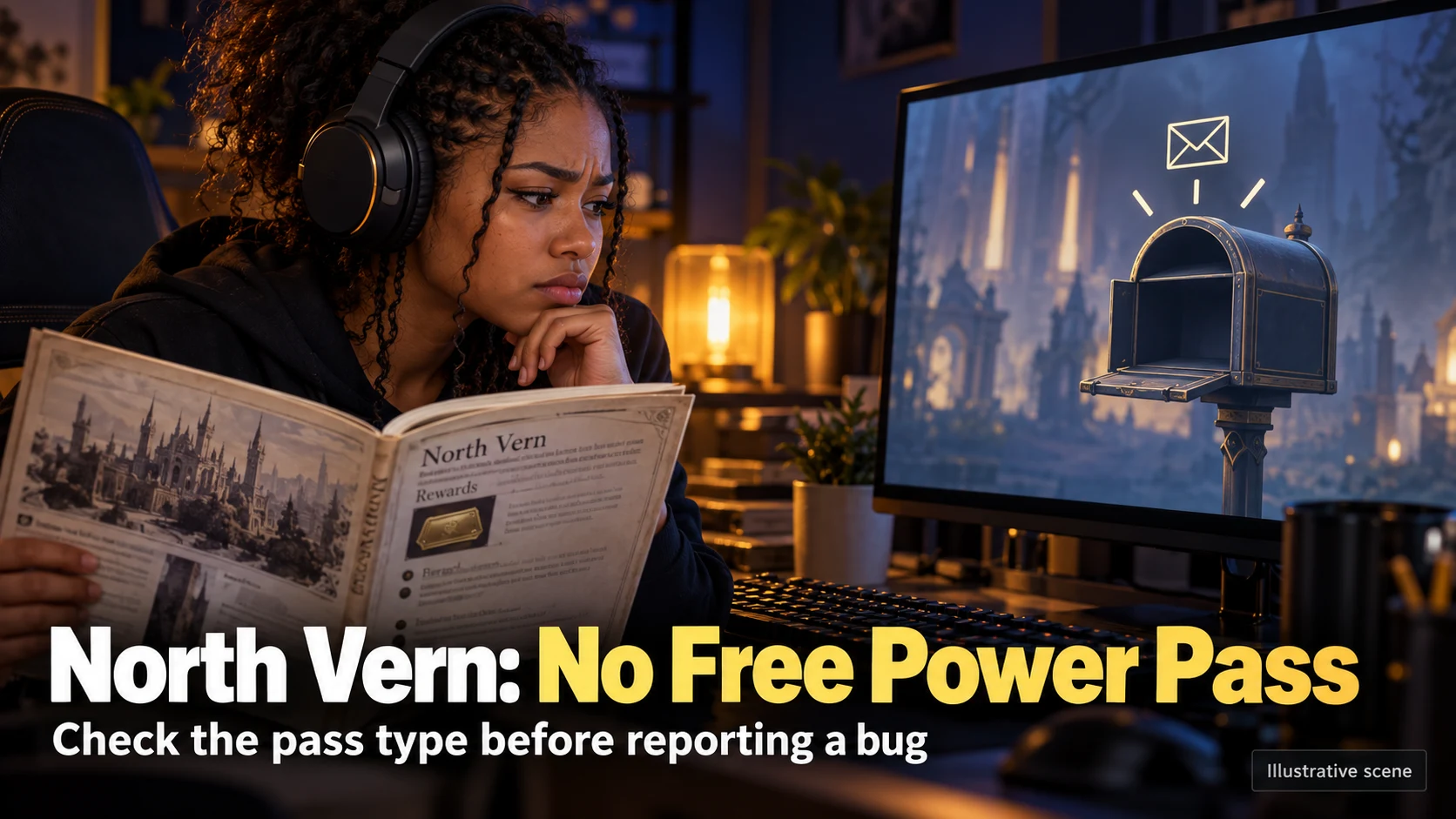
Finishing North Vern’s Ealyn’s Gift no longer gives you the free Power Pass that launch-era guides promised. An empty mailbox after that quest is therefore not, by itself, evidence of a missing reward. If you expected a separate event or purchased pass, check that pass’s eligibility, delivery location and deadline instead.
Why the mailbox is empty after Ealyn’s Gift
The old instructions describe a retired progression reward: complete North Vern, receive a token by mail, then boost another character. That sequence does not establish entitlement on a new account now. Repeating the quest, refreshing the mailbox or waiting for another daily reset does not turn an outdated reward description into a current offer.
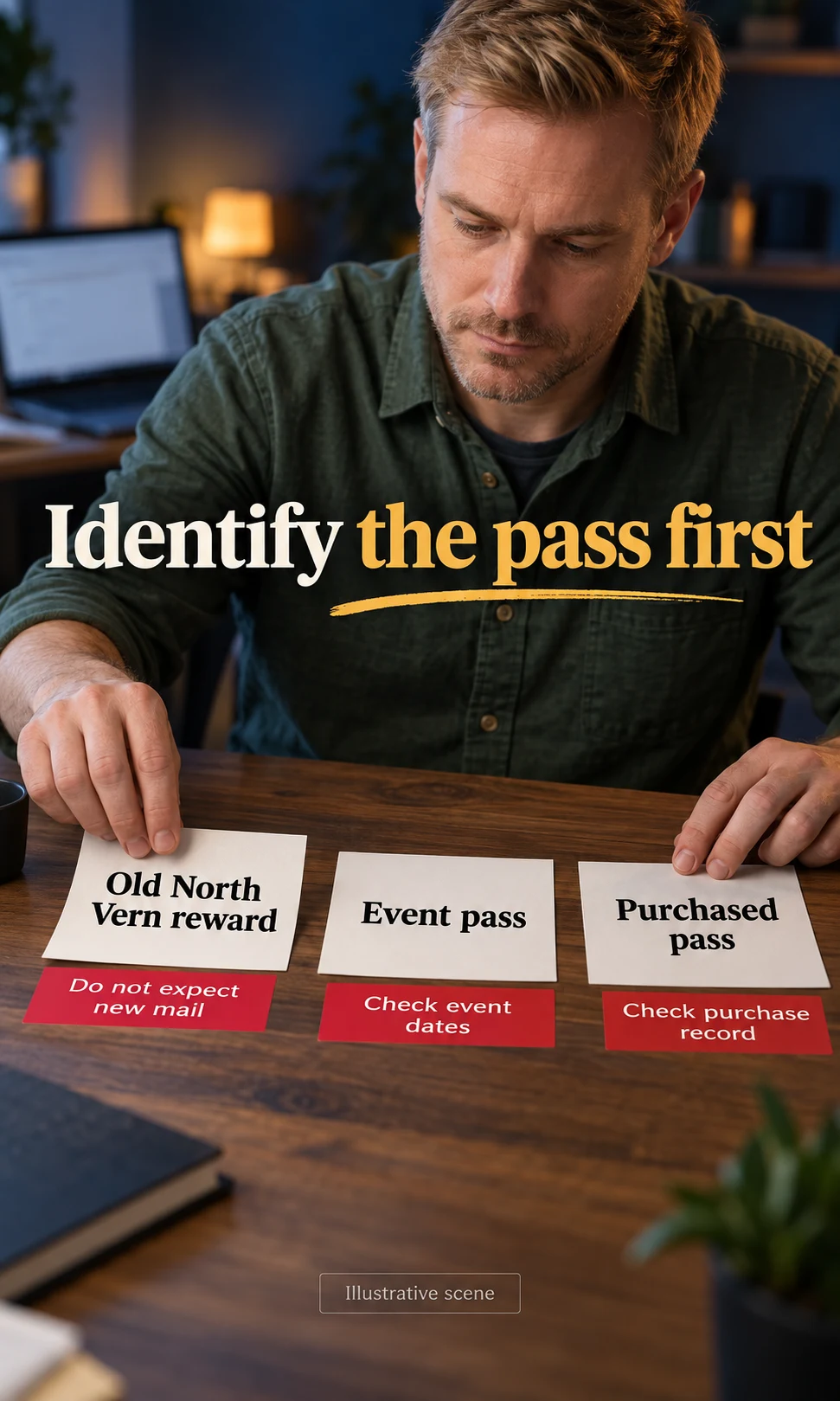
Treat a missing-pass investigation as a specific question: which pass was this account supposed to receive, and under what rules? A quest completion, an event announcement and a purchase record are different kinds of evidence. Without a named current offer or an existing voucher, there is no pass delivery to trace.
What the old guides still get wrong
The promise of two free North Vern passes belongs to the launch version of the game. It should not be combined with current event instructions or interpreted as an account-wide unlock for every character. A Powerpass advances one selected character according to that pass’s terms; it is also unrelated to the old pre-launch head start.
The practical correction is simple: stop checking the mailbox for a new North Vern quest reward. If you have a separate reason to expect a pass, keep its exact name and source visible while you check. Otherwise, continue the story or review current progression options without assuming that buying a boost is required.
| What you expected | What to check next |
|---|---|
| Free pass after Ealyn’s Gift | The old quest reward is no longer granted. Quest completion alone does not justify a missing-reward ticket. |
| A named event pass | Check the event’s eligibility and claim/use deadlines, then character select, mail and product inventory. |
| A purchased pass | Check the purchase record and purchased voucher view. Do not buy again merely because the event view is empty. |
| A voucher already held on the account | Read its exact name and current conditions. Inspect character select; do not assume an old item guarantees current usability. |
The passes players mix up
The useful distinction is between the retired North Vern reward, a pass distributed through an event or progression offer, and a paid voucher. Official support still describes purchasable, event and progression routes, but that list is not a promise that every route is available to every player. The named offer and the current client determine what your account can actually claim.
An event pass can arrive in mail or product inventory, depending on the event. Its destination level and claim deadline belong to that event, so a guide for an earlier campaign is not enough to establish eligibility. Check both the claim deadline and any use deadline shown in the offer or voucher; receiving an item and applying its boost are separate steps.
Purchased options also change. The September 2026 progression update consolidated the purchasable Powerpass into the South Rimeria II option, which illustrates why older continent menus and price lists should not guide a purchase. Read the current offer in the client before spending, and keep a missing purchase separate from a missing free event reward.
Where a current pass actually shows up
Begin at character select in the region and world you intend to play. The official Powerpass instructions direct eligible characters to the yellow availability message and Powerpass button, with separate purchased and event views to check. The message helps locate an available route; it does not prove that the old North Vern quest reward has returned.
Next inspect in-game mail and product inventory for the specific offer you expected. Read the voucher’s instructions rather than following an old “send the token to an alt” workaround. When applying a pass, select the intended character at character select and review the confirmation screen before committing.
Check these screens before you open a ticket
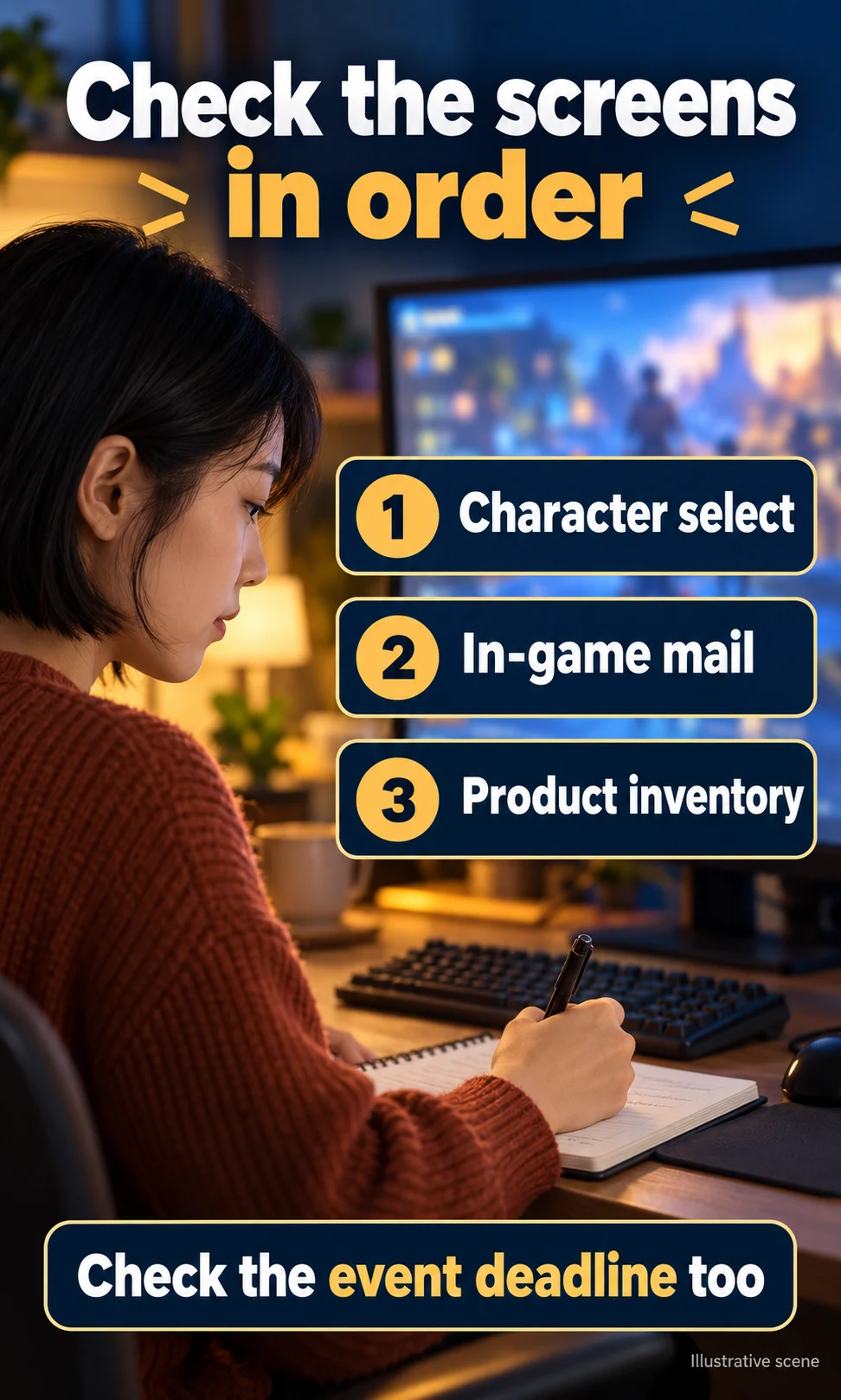
Work through the checks in order so that an empty delivery screen does not become a false bug report. You are trying to distinguish a retired reward, an unclaimed delivery, an eligibility restriction and an unexplained missing entitlement. The checklist below organizes what you observe; it cannot read your account or decide whether support will grant anything.
- Confirm the source: identify the exact event, existing voucher or paid purchase. “I finished North Vern” is not a current distribution offer.
- Inspect character select: confirm region, world and character, then check the relevant purchased or event voucher view.
- Check delivery: inspect mail and product inventory for the named offer, including any item instructions.
- Read the deadlines: use the event announcement and voucher wording, not a previous event’s dates.
- Check prior use: find out whether the account’s current pass was already claimed on another character before expecting another copy.
Pass Clarity Check
Choose what you expected to receive, record the checks you have completed, and get the next useful action. You can copy a short summary if an unexplained missing pass remains after those checks. Add character details only in the official support request, not in this page’s checklist.

Pass Clarity Check
Find the next check for a missing Powerpass.
An empty mailbox after North Vern does not establish a missing reward. This checklist organizes your observations; it cannot access your account, restore a pass or reverse a selection.
Manual route: confirm the pass source, check character select and the correct voucher view, then mail, product inventory and event deadlines. If controls do not respond, follow this route and use the official support links below.
Start with the pass source
Choose the source and your observation to get a specific next step. No account information is collected.
Already earned, never used
An old voucher already on the account is a different situation from expecting a newly granted reward. Read its item name, inspect the available voucher choices and record the exact error if it cannot be used. Do not discard it, buy a replacement or assume it still works merely because an old guide called it permanent; this article has not tested legacy-token behavior on a live account.
What a Power Pass will not settle
A story boost does not establish that every activity is immediately accessible to your selected character. If content is locked after applying a pass, inspect the activity’s current entry requirements and the character’s actual state. An old Chaos Dungeon daily-run count, an awakening walkthrough or a launch-era gearing checklist will not resolve every current restriction.
Keep Knowledge Transfer separate as well. It is a different progression route, not a replacement token automatically mailed for finishing Ealyn’s Gift. If you consider it, check the current Stronghold menu for requirements, cost and timing; no gold figure or eligibility promise from an old guide is reliable enough to spend against without checking the client.
If you already clicked the wrong character
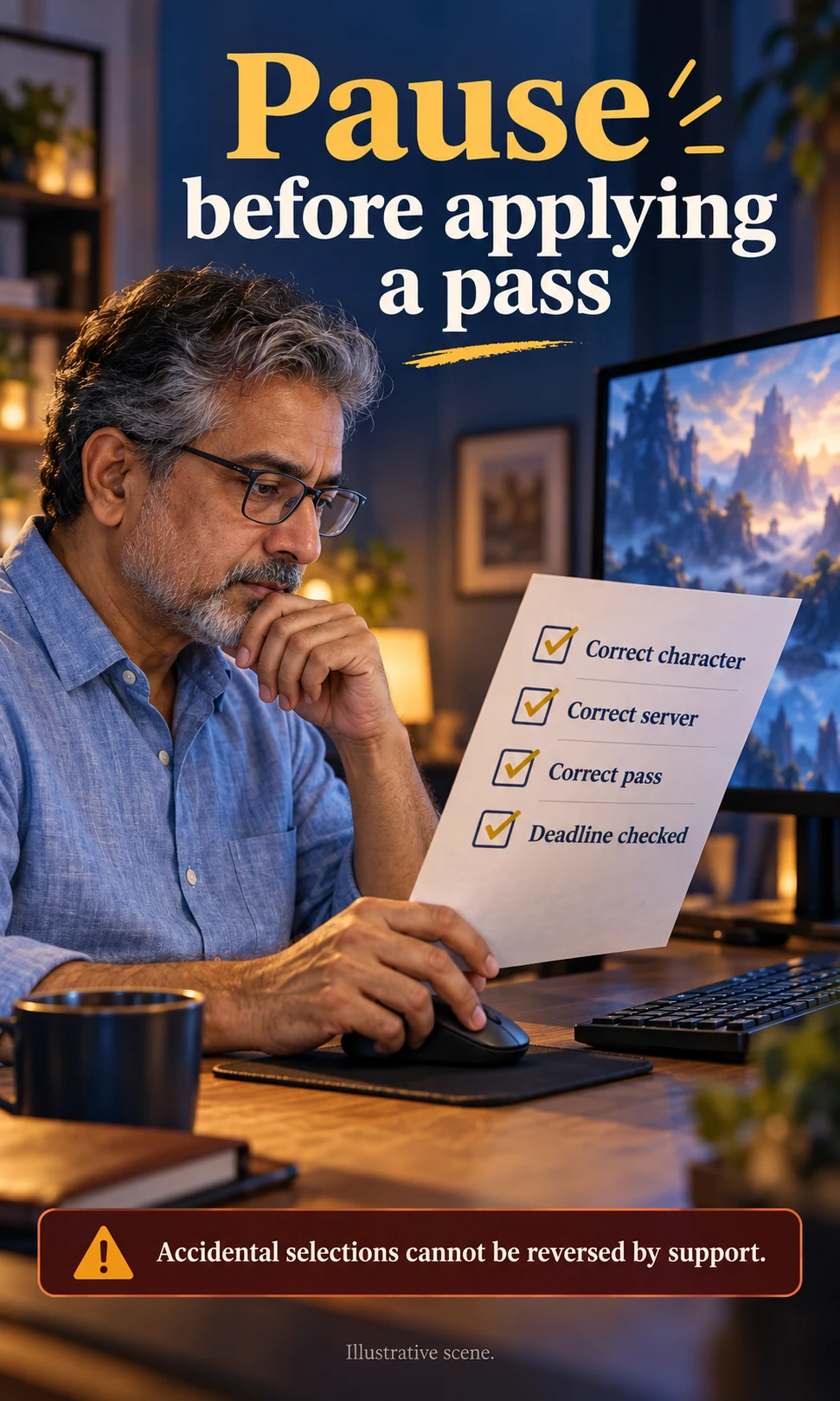
Stop before making another selection or purchase in an attempt to repair the first one. The official Known Issues page states that the current Powerpass can be claimed on one character per account and that support cannot assist with accidental selections or transfers. That rule concerns the current pass; it should not be expanded into an invented lifetime limit for every event or product.
An unexplained missing pass and an accidental selection are different support questions. For a missing entitlement, prepare the pass type, expected receipt date, character name and server, along with the screens you checked and any error text. A ticket lets support investigate the account state, but it does not promise restoration, a transfer or a reversal.
Frequently asked questions
Did they remove the North Vern Power Pass?
The free North Vern quest reward described in launch-era guides is no longer granted. A separate event or purchased pass follows its own current rules. An old voucher already on an account must be checked separately rather than treated as a new quest reward.
I finished Ealyn’s Gift and got no mail. Is that a bug?
Not on that evidence alone. Finishing the quest does not establish entitlement to the retired reward. If a named current event or purchase should have supplied a pass, check character select, the appropriate voucher view, mail, product inventory and the offer’s deadlines.
Does Knowledge Transfer replace the free pass?
Knowledge Transfer is a separate progression system, not a free token mailed for completing North Vern. Inspect its current Stronghold requirements and displayed cost before using it. This guide does not quote an unverified gold price.
Why does character select say Powerpass Available if I have no token?
Current available passes are viewed and applied at character select. An empty mailbox does not rule out an available voucher, and the availability message does not identify the source by itself. Open the relevant pass view and confirm its name and conditions before selecting a character.
Can support move a pass to another character?
The official Known Issues page says support cannot assist with accidental selections or Powerpass transfers. Confirm the character, region, world and voucher before applying the boost. A missing-pass investigation should not be treated as a way to undo a selection.
Is a shop Founder’s Pack a Power Pass?
A pack name alone does not tell you that it includes a Powerpass, and it does not recreate the game’s pre-launch head start. Check the current product’s listed contents. Keep a bundle purchase separate from a voucher purchase when asking support about delivery.
Your next step
If your only expectation came from an old North Vern guide, stop waiting for that quest-reward mail. If a named current pass is missing, complete the screen and deadline checks before contacting official support. If the issue is a wrong-character selection, preserve the account as it is and follow the published policy rather than buying another pass as a repair attempt.
Method note: This is documentation-based guidance for the Amazon-published Western version of Lost Ark. The support instructions and September 2026 release notes were checked on 7 October 2026; no live account, legacy voucher or support-ticket outcome was tested. Images illustrate the checking process and are not gameplay screenshots.