



Image Editing Tools for JPG, PNG, WebP & HEIC
Edit JPG, PNG, WebP and HEIC images in your browser. Compress a file, resize to exact pixels, crop a photo, or convert JPG to WebP and iPhone HEIC to JPG.
- Image Compressor Reduce image file size and compare the original and exported sizes before downloading.
- Resize Image by Pixels Resize JPG, PNG or WebP to exact pixel dimensions. Keep the aspect ratio for photos and screenshots, or set both sides for a form. Export in your browser.
- JPG to WebP Convert a JPG to WebP and check whether the new file is smaller.
- HEIC to JPG Turn an iPhone HEIC or compatible HEIF photo into a JPG without uploading it.
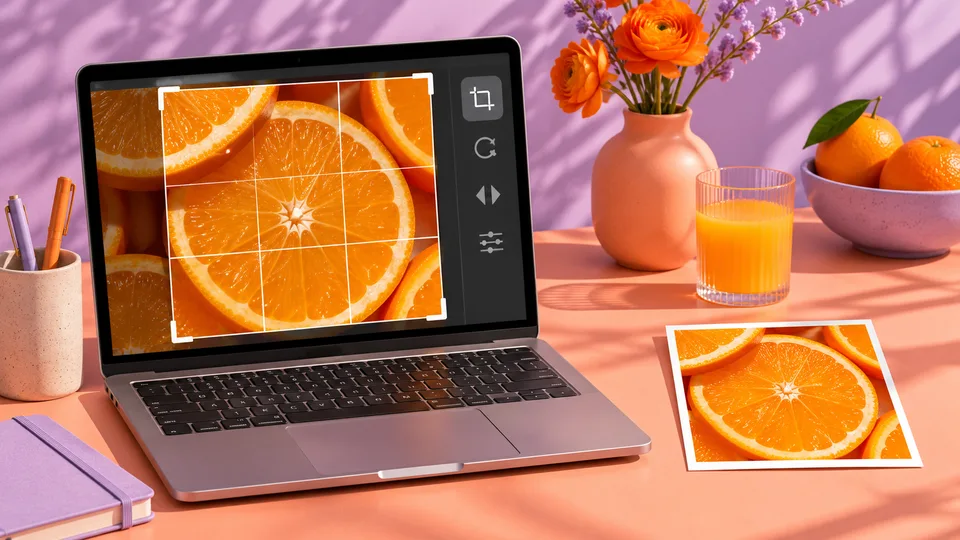
- Image Cropper Drag a crop box or enter exact coordinates to remove the part of an image you don’t need.
Advertisement